Make a photo talk
An image of someone says what you write, in a voice you pick, or speaks a voiceover you have.
Talking photo turns an image of a person into a video of them saying what you write.
- Open Tools → Talking photo, or open an image in your Library and choose Make it talk.
- Under Which image should talk?, pick one. Picking it takes you straight to what they say.
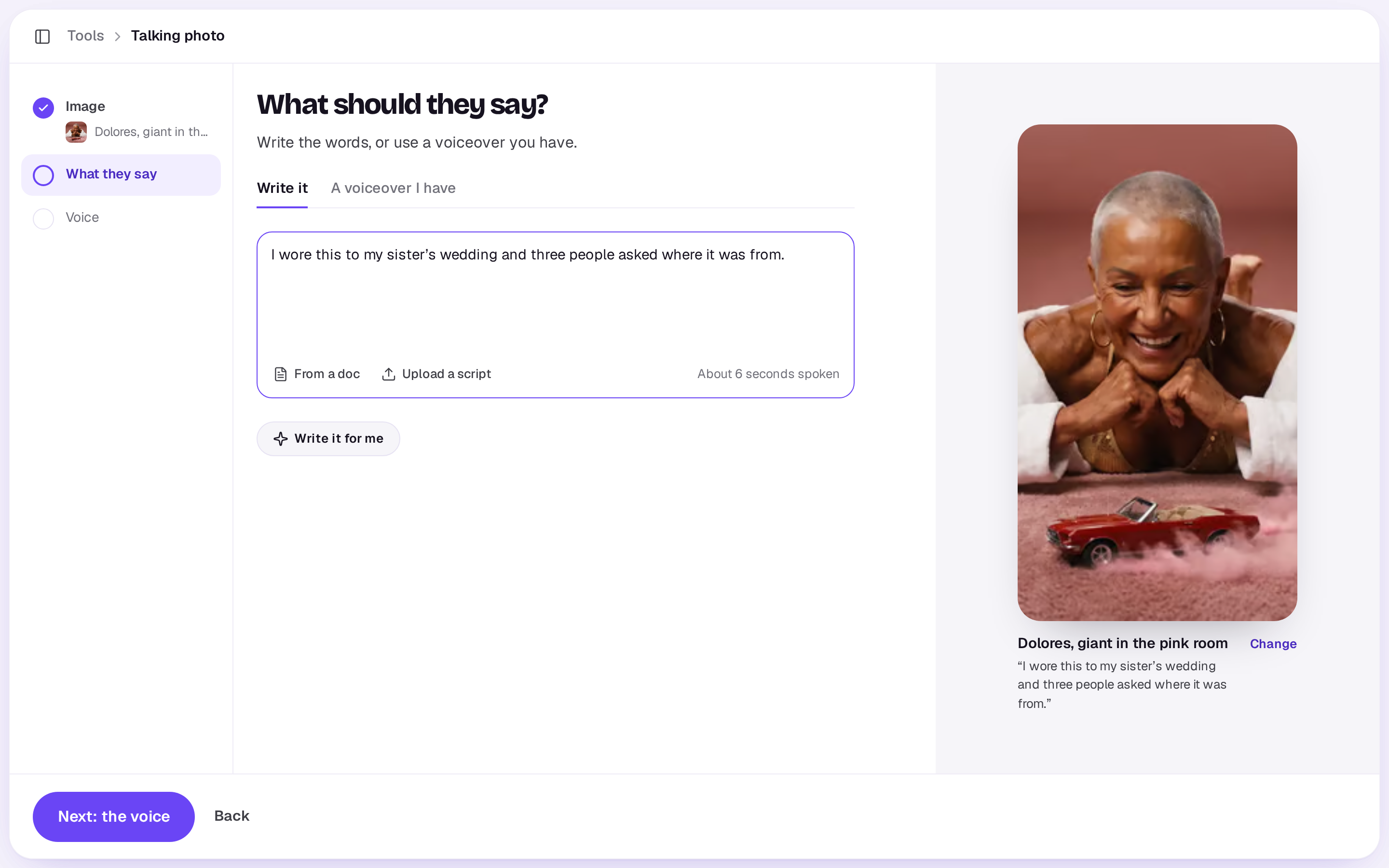
- Under What should they say?, choose Write it and write the script, or let Write it for me draft it from a rough idea. You can also bring in a script you have with From a doc or Upload a script (a PDF, Word, Final Draft, Fountain or text file); only the words to say come in, and Undo puts back what was there. Or choose A voiceover I have and pick one from your Library, then Make it talk. Music made in Shotz isn’t listed there; voiceovers, cleaned-up voices and sound files you uploaded or recorded are.
- If you wrote the script, choose Next: the voice. Under Whose voice?, pick one of the voices, or one of your characters with a voice of its own. Press the play button beside a voice to hear it. Then choose Make it talk.
- To change the model that animates the face, open Options and pick the Face.
Models
You pick one under Face, in Options.
- Kling Avatar 2.0: an image of a person says your voiceover. The default.
- OmniHuman 1.5: moves the hands and body too, and costs more.
What it costs
The voiceover, priced on the script’s length, and then the video, priced by the second of speech. The screen shows about how many seconds your script runs, and the button shows the total. The speech can be up to 60 seconds; for longer, shorten it or make it in parts.
What you get
The voice takes seconds and the video a few minutes. You can close the tool while it works. The video lands in your Library, with the voice on its own next to it. If it doesn’t work, your credits come back.
For a creator talking about a product, cut with product shots, try a UGC ad.
A real person in Melbourne will write back, usually within one business day.