Make headshots with the Headshot pack
Professional headshots in a few styles, from one to four photos of the same person.
The Headshot pack turns a few ordinary photos of someone into professional headshots, one in each style you pick. The face stays exactly as it is: the same features, skin and hair, never smoothed or changed. Open Tools → Headshot pack, or open a photo in your Library and choose Make headshots under Tools.
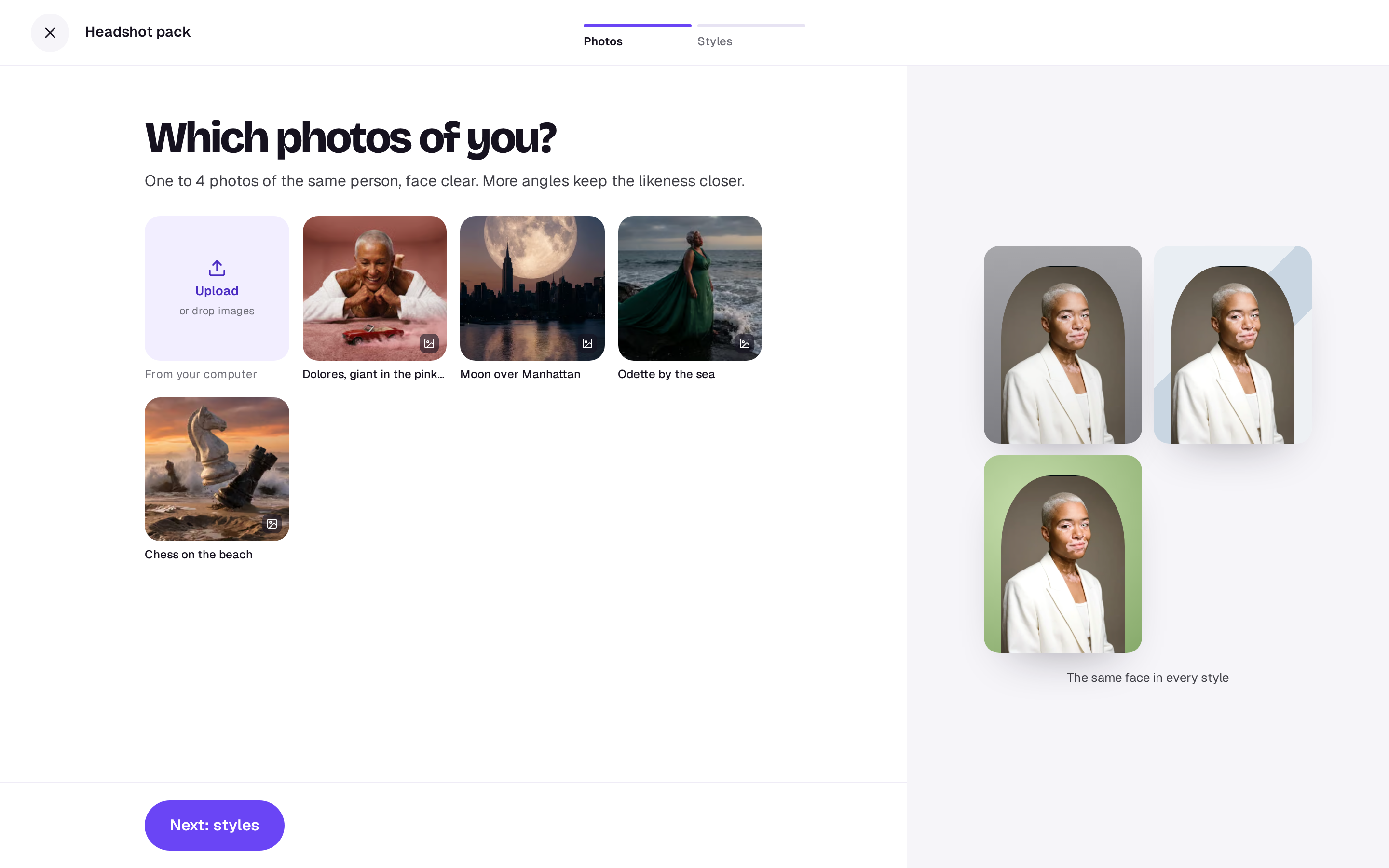
1. Photos
Pick one to four photos of the same person from your Library, or choose Upload. Photos where the face is clear and well lit work best, and a few angles keep the likeness closer. Then Next: styles.
2. Styles
Pick the styles you want. Three are picked to start with:
- Studio grey: classic, on a mid-grey backdrop.
- Office: a bright, modern workplace behind.
- Outdoors soft light: open shade, greenery behind.
- Black and white: timeless, in fine monochrome.
- Warm editorial: golden light, like a magazine.
- Creative colour backdrop: a bold, single-colour backdrop.
The button says what it costs: one picture for each style.
What you get
A headshot for each style, in 4:5, in your Library. You can download each one from the tool, open them in Studio to crop or adjust, or find them later under Recent runs on the Tools page. Any style that doesn’t work gives its credits back.
Only use photos of yourself, or of someone who has agreed to it.
A real person in Melbourne will write back, usually within one business day.