Every shot, your look.
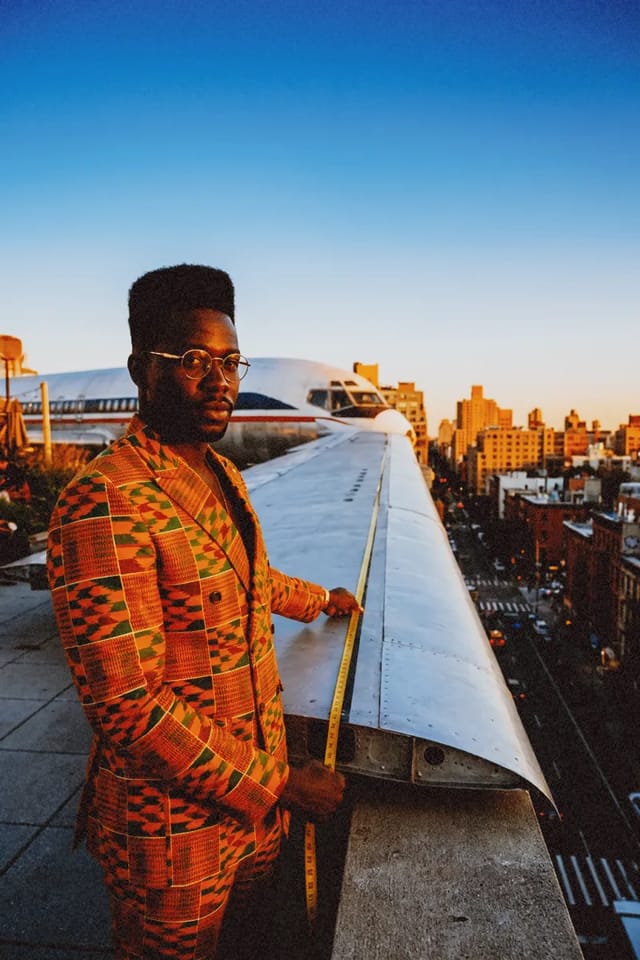
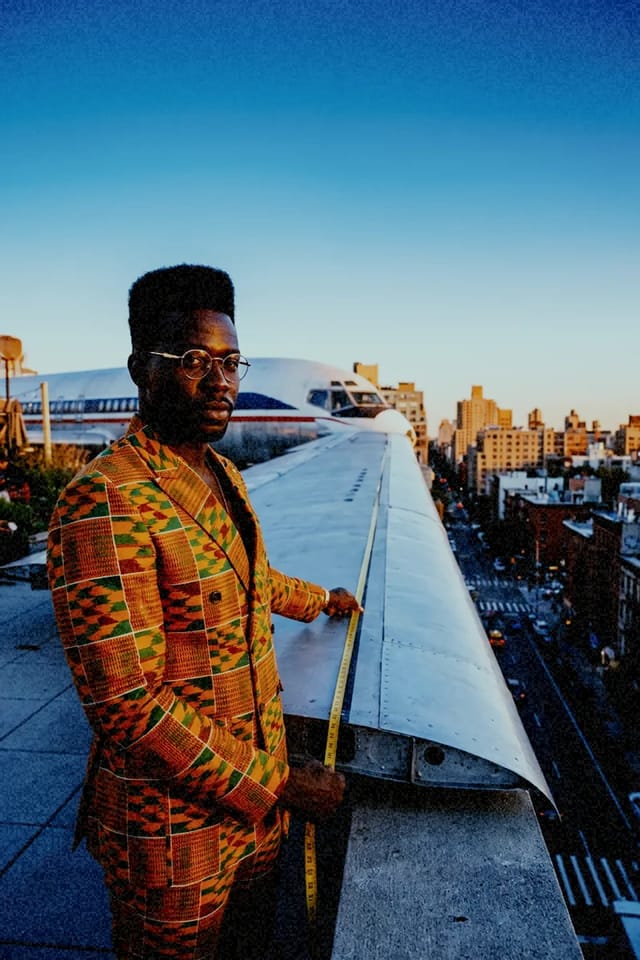
Colour grades and finishes for video and photos, free on every plan. Put one on a clip in the editor, a picture in Studio, or make a shot in it from the start.
Which look should I use?
- Faces and portraits
- Portra 400 →
- Anything outdoors at the end of the day
- Gold 200 →
- A product that should pop
- Ektar 100 →
- A night out in the city
- CineStill 800T →
- Drama or mystery
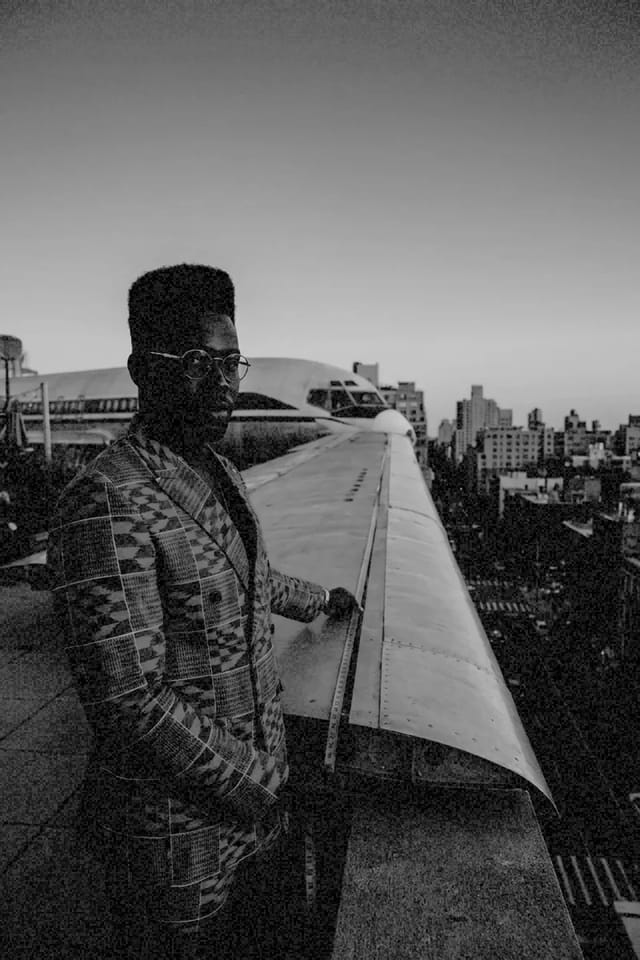
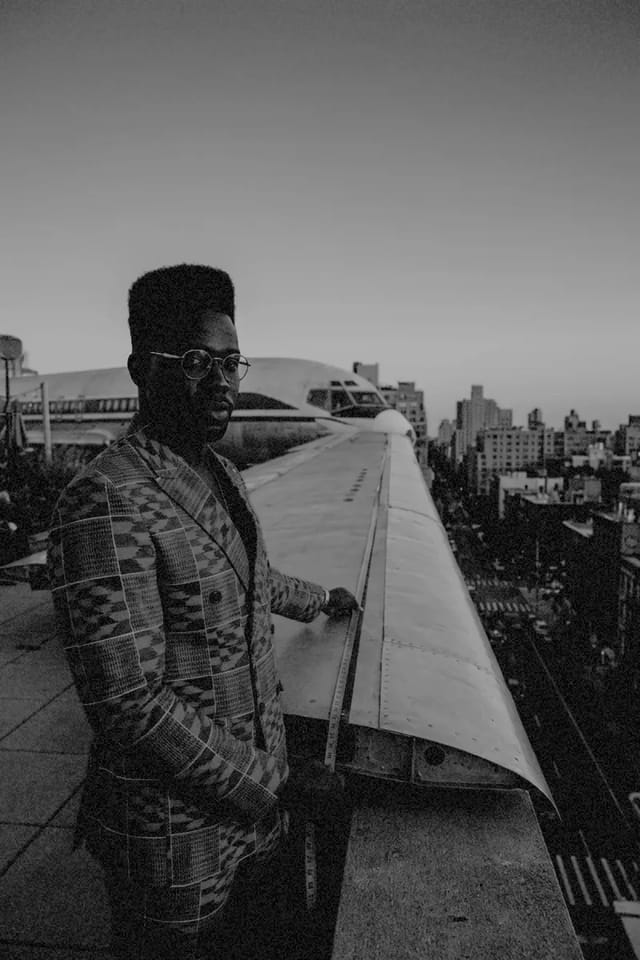
- Tri-X 400 →
- A throwback or a memory
- Expired film →
- Music and fast cuts
- Glitch →
- Something to stop the scroll
- Pop art →












Questions.
A colour grade or finish you can put on anything you make: warmer light, film grain, black and white, a painting. The same looks are in the video editor, in Studio for pictures, and in Create.
No. Looks are free on every plan, in the editor, in Studio and in Create. A shot made in Create costs what its model costs, look or no look.
Yes. Each look has a strength from 0 to 100 in the editor and Studio, and sliders for light, contrast, colour, warmth, grain and more sit beside it.
In the editor and Studio a look grades what's already there, and you can change it or take it off any time. In Create the model makes the shot in that look from the start, so the light and colour are part of the shot itself.
Yes. Upload a clip or photo, pick it in the editor or Studio and choose a look. It's burned into the export, up to 4K with no watermark.