Every AI model. One platform.
Veo, Kling, Seedance, Nano Banana Pro and 25 more AI models for video, images and sound, on one plan. Generate a shot, then cut it into your edit.
Which model should I use?
- The best value video
- Seedance 2.5 →
- People moving fast
- Kling 3.0 →
- Dialogue and sound
- Veo 3.1 →
- Overall video quality
- HappyHorse 1.1 →
- Keeping a face the same
- Nano Banana Pro →
- Text in an image
- GPT Image 2.5 Flare →
- The finest image detail
- GPT Image 2.5 Sunburst →
- Posters and logos
- Ideogram 4.5 →
- Voiceover
- ElevenLabs v3 →
- Music for your edit
- Sonilo →
- A song with vocals
- Lyria 3.5 →
Video
Credits for a 5s clip




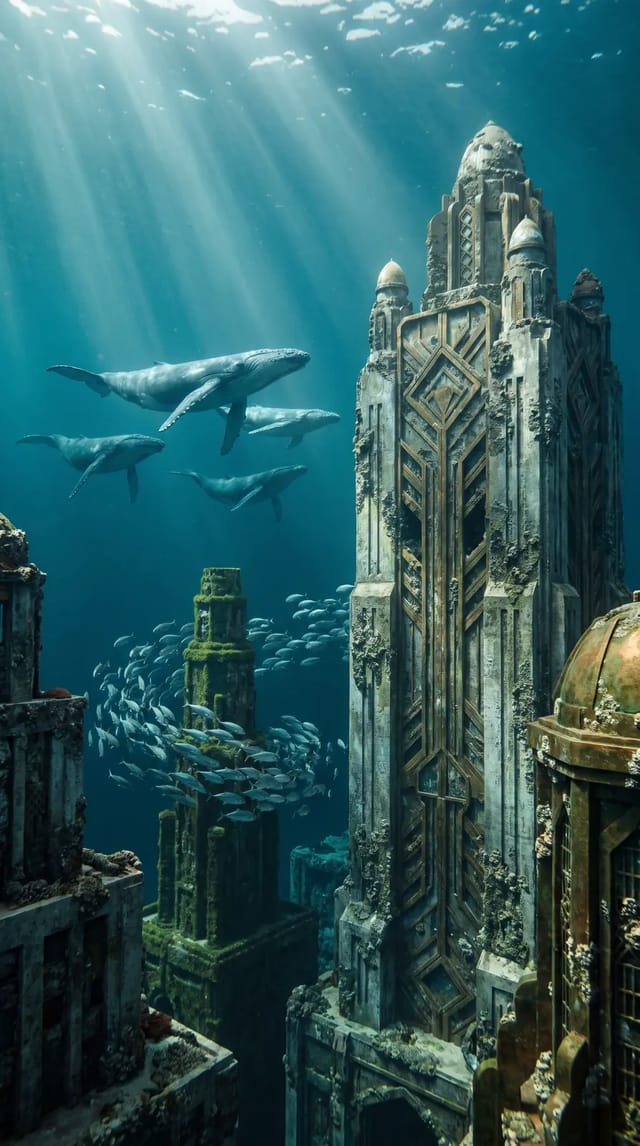


Image
Credits for an image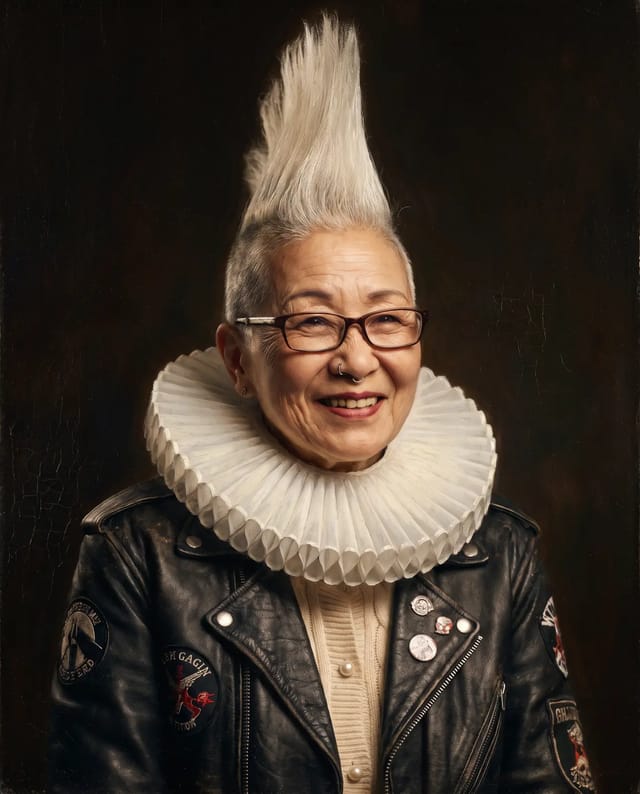 Best for faces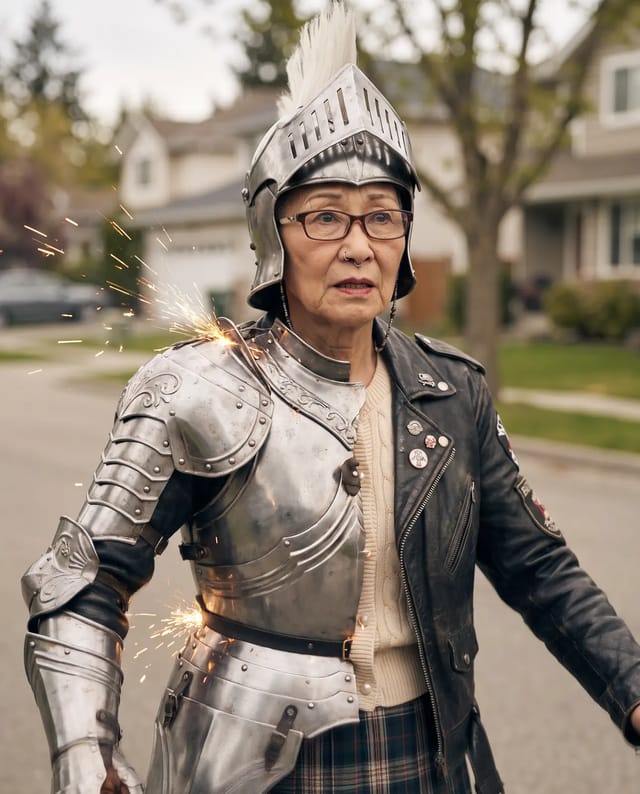
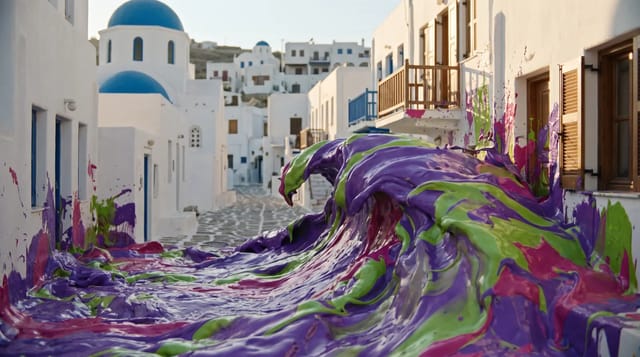
 Best detail



 Free
Free
Audio and finishing
Questions.
It depends on the shot. Seedance 2.5 is the best value and makes up to 30 seconds, Kling 3.0 is best for fast movement, Veo 3.1 for people talking with sound, and HappyHorse 1.1 is the top-ranked overall. On Shotz you can run one prompt on several and keep the best one.
Nano Banana Pro for keeping a face the same across images, GPT Image 2.5 Flare for text that reads right and exact edits, Sunburst for the finest detail, Ideogram 4.5 for posters and logos, FLUX 3 Image for photoreal products and places, and Recraft V4.1 for design and vector graphics.
Sonilo for instrumental music, or music scored to your video. ElevenLabs Music v2.5 for a song with vocals at the length you pick, and Lyria 3.5 for a whole song, about three minutes, for the fewest credits.
No. Every model runs on Shotz credits. Pro is $33 a month with 3,000 credits for any model.
Yes. Everything you make on a paid Shotz plan can be used commercially.
Put it straight into an edit with your own footage. The editor has a timeline, captions, music and export up to 4K, with no watermark on any plan.