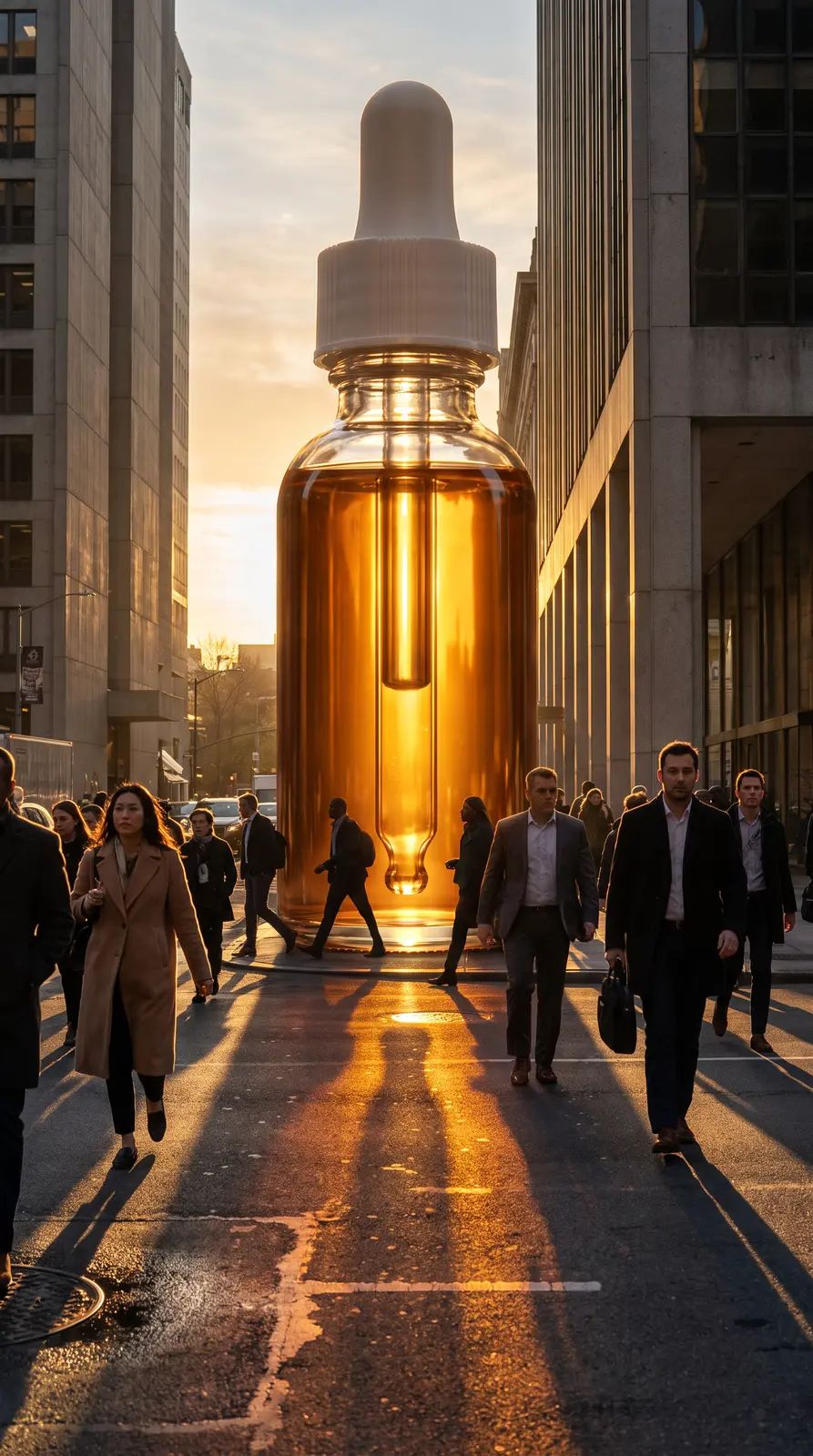
GPT Image 2.5 Flare
GPT Image 2.5 Flare is OpenAI’s image model for exact edits and text that reads right. Make posters, labels and signs, or change a photo precisely, with up to 16 reference photos.
Made with GPT Image 2.5 Flare.
See all in the community → @nick@nick@nick@nick@nick@nick@nick@nick
What it’s good at.
Headlines, labels and signs come out spelled the way you wrote them.
Change one thing in a photo and leave the rest alone.
The same model family, back sooner, for when you’re trying ideas.
Other image models.
Same plan, same credits. Try a prompt on a few.

Questions.
GPT Image 2.5 Flare is OpenAI’s image model for exact edits and text that reads right. Make posters, labels and signs, or change a photo precisely, with up to 16 reference photos.
They’re the same price on Shotz. Flare is quicker. Sunburst takes longer and puts more into fine detail, so it suits a final image more than a quick try.
34 credits for an image on Shotz. Pro is $33 a month with 3,000 credits, enough for about 88 images on GPT Image 2.5 Flare.
No. GPT Image 2.5 Flare runs inside Shotz on your Shotz credits, along with every other model. One sign-in, one bill.
Yes. Everything you make on a paid Shotz plan can be used commercially.
Your generation lands in Create and your Library. Add it to an edit and cut it with your own footage, captions and music, then export up to 4K with no watermark.