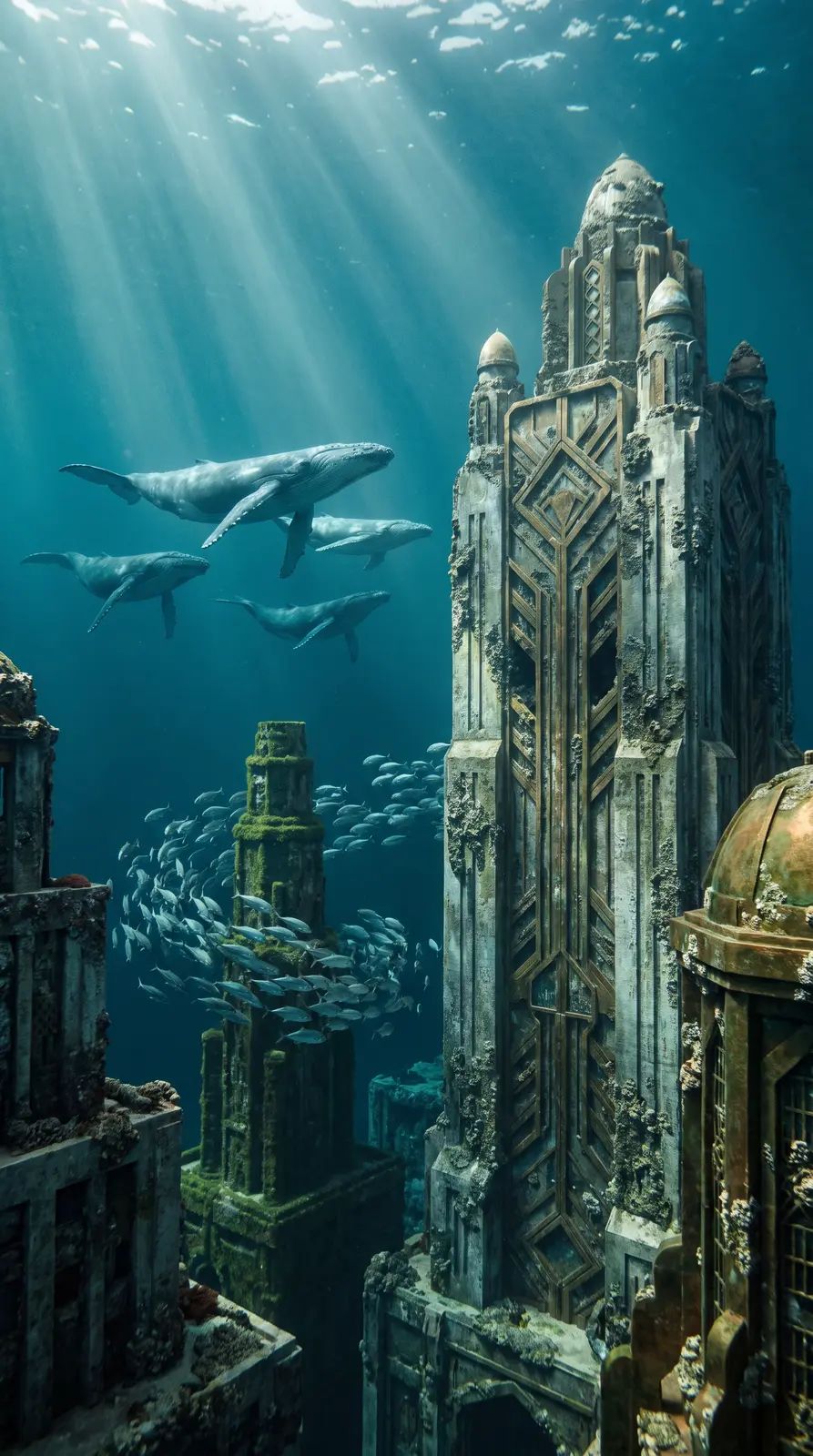
MiniMax H3
MiniMax H3 makes 2K video from text or keyframes, up to 10 seconds. Pick it when you need crisp detail, or want to set the first and last frame yourself.
Made with MiniMax H3.
See all in the community → @nick@nick@nick@nick@nick@nick1@nick@nick@nick@nick
What it’s good at.
Sharper than 1080p, with a 4K option when you need it.
Give a start frame and an end frame and it animates from one to the other.
Fabric, hair and small text hold up well at higher resolutions.
Other video models.
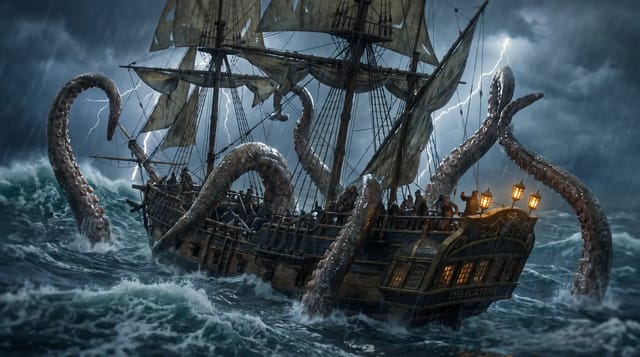
Same plan, same credits. Try a prompt on a few.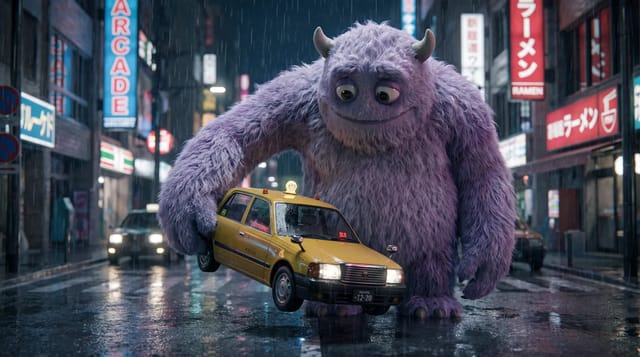


Questions.
MiniMax H3 makes 2K video from text or keyframes, up to 10 seconds. Pick it when you need crisp detail, or want to set the first and last frame yourself.
From 60 credits for a 5 second clip on Shotz. Pro is $33 a month with 3,000 credits, enough for about 50 5 second clips on MiniMax H3.
No. MiniMax H3 runs inside Shotz on your Shotz credits, along with every other model. One sign-in, one bill.
Yes. Everything you make on a paid Shotz plan can be used commercially.
Your generation lands in Create and your Library. Add it to an edit and cut it with your own footage, captions and music, then export up to 4K with no watermark.