Find your way around
What’s in the sidebar, where your credits and settings are, and searching with ⌘K.
On a computer, everything in the app hangs off the sidebar on the left. On a phone it works differently: see Use Shotz on your phone.
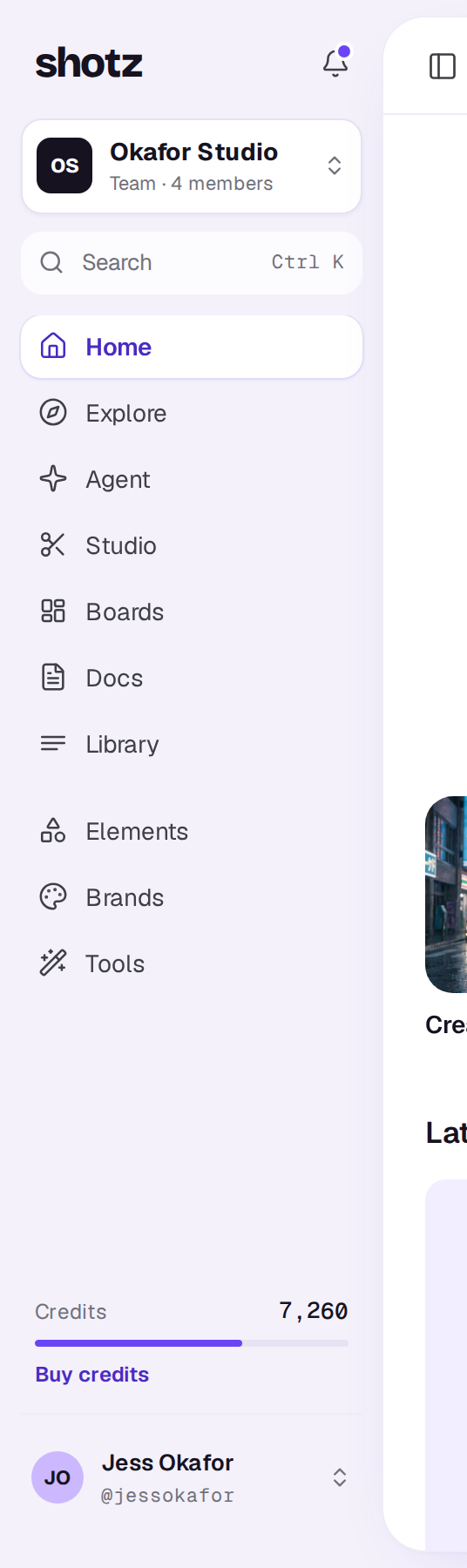
The sidebar, top to bottom
- The bell shows your notifications under For you, and everything the workspace has been doing under Activity; a purple dot means something’s unread. See Notifications.
- Your workspace. Its name, plan and members. Click it to switch to another workspace, create one, or open Workspace settings.
- Search opens the search box (below).
- Home picks up your latest takes, edits and designs, and has rows of tools and skills to try. Under its question are shortcuts: Create video, Create image, Edit video, Edit image, New board, New doc, Create 3D and Create world. Create video and Create image open Create in a new conversation with the card set to that kind (on a phone too, full screen).
- Explore is everything you can start from, in three tabs: Community, the feed of shots people have shared; Skills, camera moves and effects you can add to a prompt and bigger jobs for the Agent (pick Your team’s for the ones your team saved; see Use a skill); and Templates, finished edits to make your own. Colour grades are in the card's Look tile, free on any shot, clip or picture. See Use a look.
- Create has your conversations with the Agent, where you make videos and images and ask for help. See Generate your first shot.
- Studio lists your edits (videos) and designs (images) together, the one changed last first. New starts a Video in the editor, or an Image in the image editor: give it a look, a new background or some Magic, with text and shapes in layers, for posts, product shots and thumbnails. See Studio.
- Boards are canvases where your team collects shots, references and notes, and makes new shots from them. See Boards.
- Docs are your team's briefs, scripts and plans, written together, which the Agent reads and writes. See Docs.
- Library has every file in the workspace: uploads and finished takes.
- Elements are the characters, products and places you tag with @ in a prompt.
- Brands keep your logo, colours, look and voice, so takes follow them. They come with Pro and Team. See Brands.
- Tools are one-step jobs like captions, clips, voiceovers and removing a background.
At the foot of most pages is the card, ready to type in; on Home it sits under the question. Describe a shot or ask the Agent anything there. On a desktop, pages in Settings keep it put away as one line, Ask the Agent, until you choose it or press ⌘J. See The card and its settings.
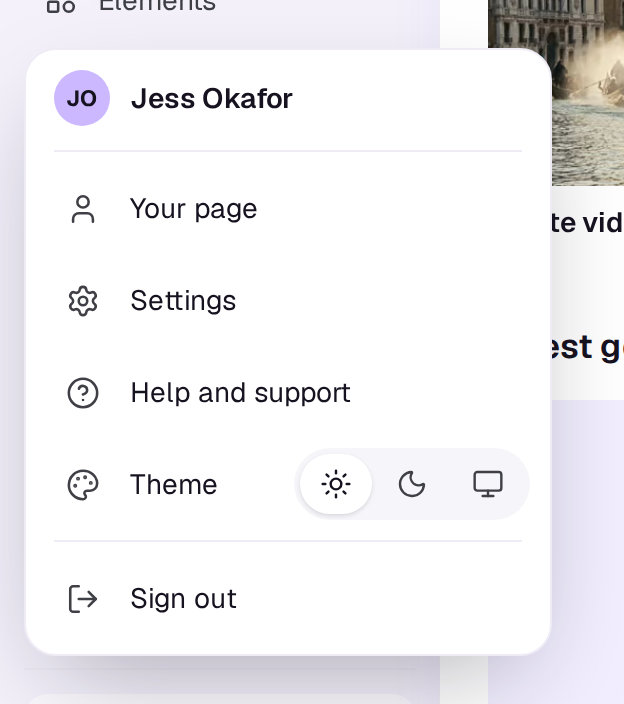
At the bottom are the workspace’s Credits, with Buy credits (owners) or See usage (everyone else). A workspace on the Free plan shows an Upgrade card here instead; its credits are in Settings → Plan and billing. Under that is you: click your name for a menu with Your page, Settings, Help and support, Theme (light, dark or match your device) and Sign out.
Hide the sidebar
Choose Hide sidebar at the left end of the bar across the top of any page, or press ⌘\\ on a Mac or Ctrl \\ on Windows, to slide the sidebar away and give the page the room. Show sidebar brings it back. Shotz remembers your choice in this browser.
Boards, docs, the editor, the image editor and each tool’s page always open with the sidebar hidden, so your work has the whole window. Choose Show sidebar there and it floats over the page as a card. Click anywhere else, press Esc or go to another page and it tucks away again.
Jump back into recent work
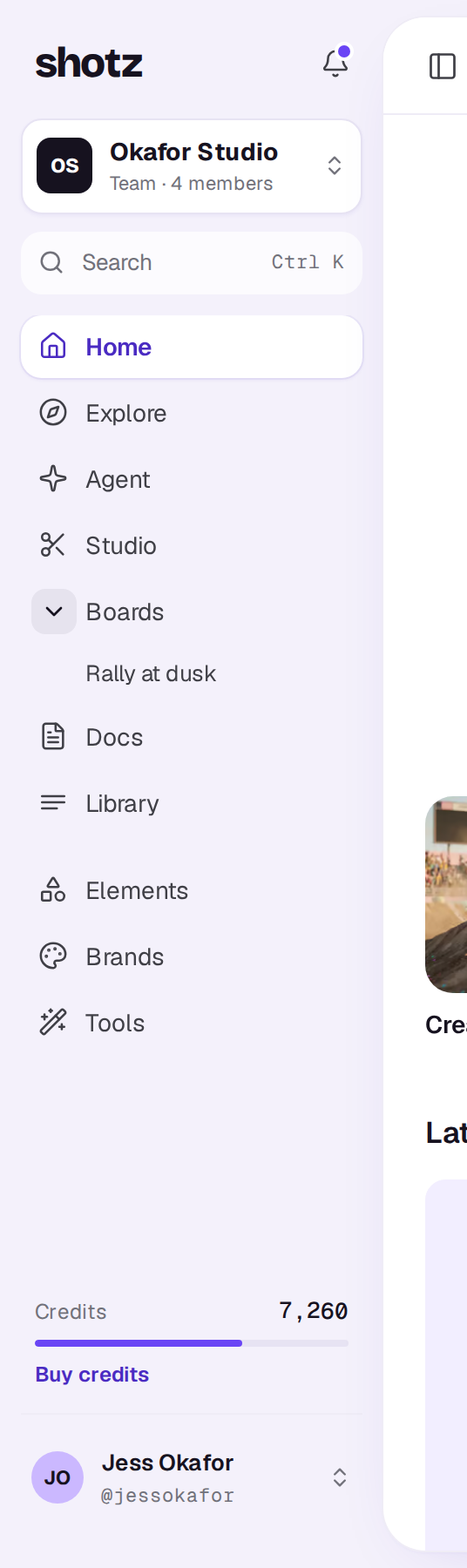
Create, Studio, Boards and Docs open to show what’s in them. Hover over one and its icon turns into a chevron: choose it (Show recent in Create, and so on) to open the list, and again (Hide recent in Create) to close it. The rest of the row still takes you to the page. Under Create are your conversations, under Studio your edits and images, under Boards your boards, and under Docs your docs. Choose one to open it.
Pinned ones come first, then the five latest. Hover over a row and choose the pin (Pin, or Unpin when it’s already pinned) to keep it at the top. Pins are yours alone, and kept per workspace. If one can’t be pinned, you’ll see a note to try again in a moment. A place with nothing in it yet says so, for example No boards yet. Which places are open is remembered in this browser, and they all start closed.
See what your workspace has been doing
Activity, the second tab when you choose the bell, lists what people in the workspace have done over the last 30 days, newest first, under Today, Yesterday, This week and Earlier. It shows uploads, finished generations, tool runs, comments, new edits, designs and boards, and people joining. One person’s uploads or generations close together are folded into one row, such as “uploaded 6 files”, with a few small pictures. A comment shows its words under the line. Choose a row to open what it’s about, and a guest who commented through a link is marked guest.
For you is only what needs you: finished takes, replies, invites and billing. Activity is everything, your own work too, and never adds to the unread count. Comments on edits only show if you can open the edit. On a phone the bell opens Notifications as a page with the same two tabs.
Settings
Settings has your own pages on the left under You (Profile and sign-in, Notifications, Language, Memory) and the workspace’s under Workspace (General, Members, Plan and billing, Usage and API). Which workspace pages you see depends on your role: Plan and billing is for owners, API for owners and editors.
Search and jump anywhere
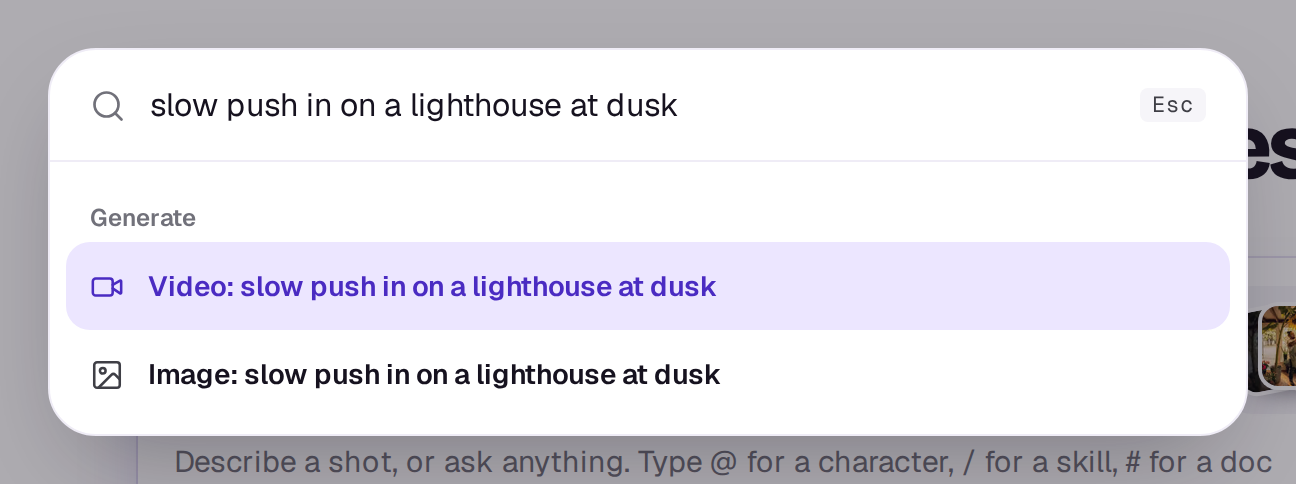
Press ⌘K on a Mac or Ctrl K on Windows, or click Search in the sidebar. Type to find a page (including Studio, Boards and Docs), an edit, an element, a template, a skill or a tool, then press Enter to open it. The arrow keys move through the list and Esc closes it.
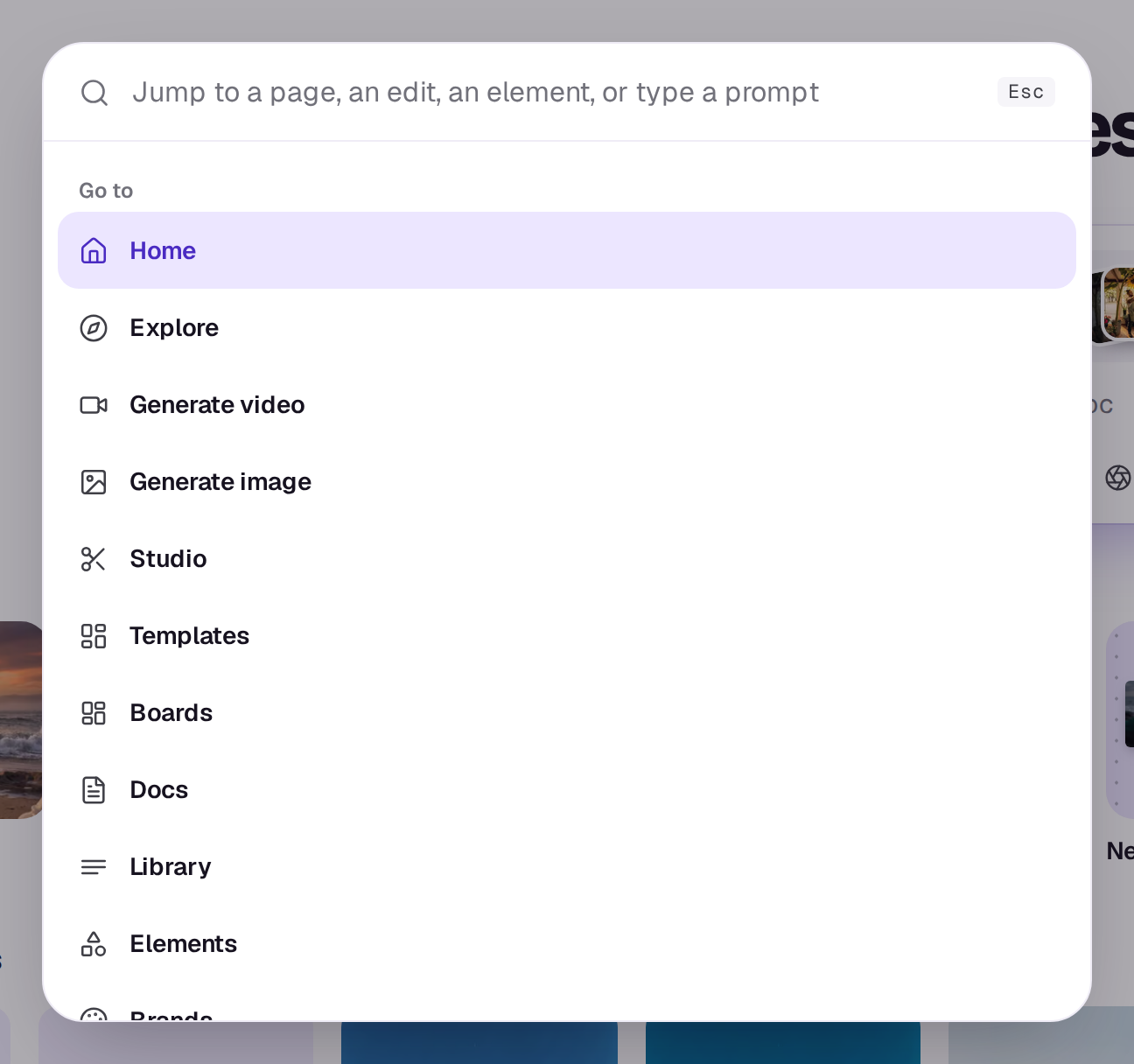
Search also does things: New edit, Invite people, Buy credits, API keys, Keyboard shortcuts and switching the theme. Which of these you see depends on your role in the workspace. Type a few words that aren’t a page and it offers them as a Video or Image prompt: pick one and the card opens on Create with it filled in, ready to send.
For the rest of the keys, see Keyboard shortcuts.
A real person in Melbourne will write back, usually within one business day.