Remix a post
Start your own take from someone’s post, with their prompt, model, shape and skill.
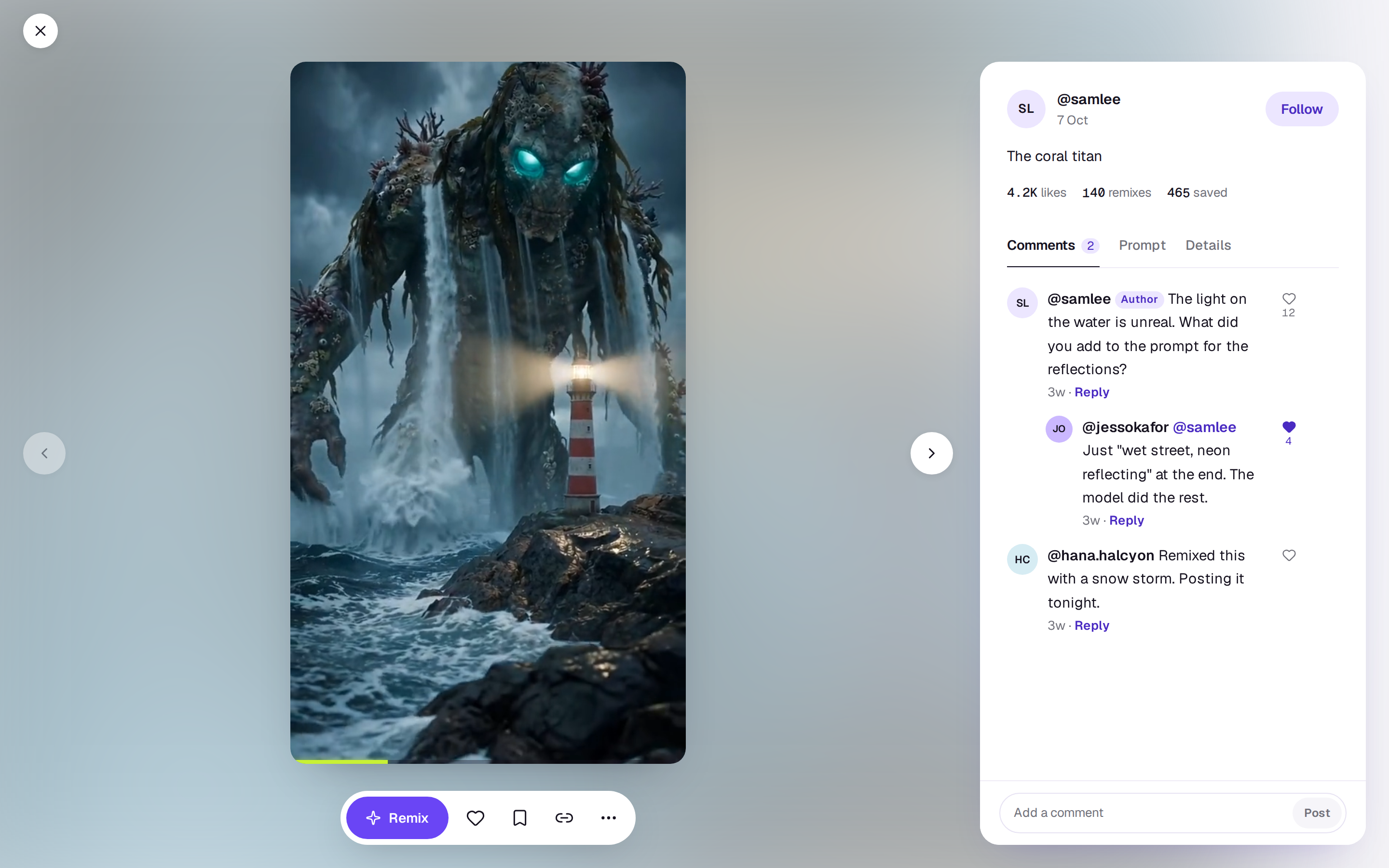
Every post that shares its prompt has a Remix button. It opens the card with the post’s prompt, model and shape filled in, and the skill it used, if any, so you can change what you like and generate your own version. On a computer the card opens on Create; on a phone in the app it opens in a drawer.
How to remix
- Open a post in Community. On a computer, Remix is first in the bar under the post. On a phone, the button is on the right of the post, as you scroll the feed.
- Choose Remix.
- Change the prompt, the model or anything else, then generate. If the post used a skill, it sits in your words as a chip you can take off with ×. It costs what that run costs, like any other.
The card says Remixing a community post. Shared, it links back to the original. while you’re remixing. Choose the × beside it if you’d rather it didn’t link back.
If Remix is greyed out, the author kept the prompt to themselves. A post made with just a skill and no words can still be remixed.
When you share a remix
Share the take as usual. See Share a take to the community. Your post says Remix of and the original author’s handle, linked to their post, and the original counts it as a remix. Once your post is up, the author gets a notification.
Remixing your own post works, but it doesn’t link back to itself. Remixing needs you to be signed in, so on shotz.co/community you’ll be asked to sign in first.
A real person in Melbourne will write back, usually within one business day.