Turn off community sharing
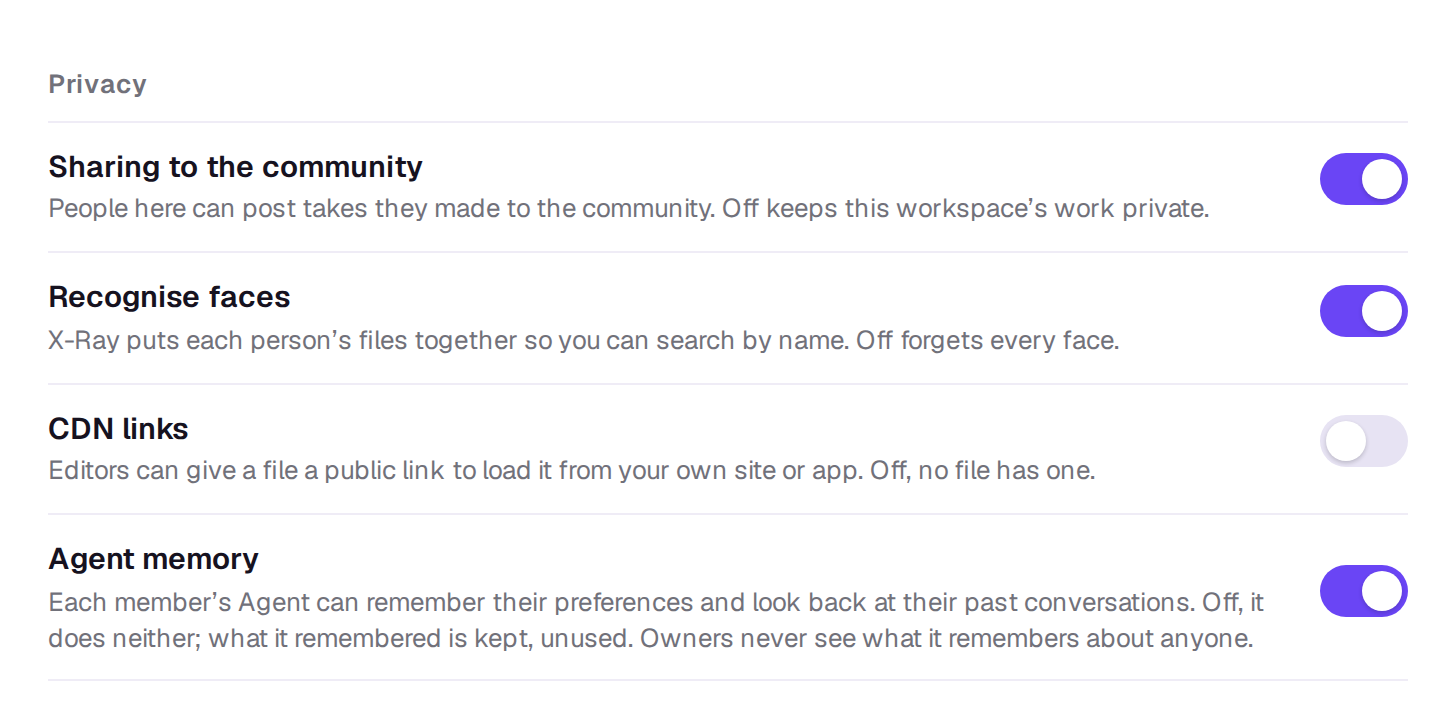
Keep a workspace’s work private by stopping anyone in it from sharing.
Sharing is on in every workspace to start with. An owner can turn it off, for example in a workspace for client work that shouldn’t be public.
- Open Settings → General.
- Under Privacy, turn off Sharing to the community.
What changes
- Nobody can share takes made in this workspace, or its elements. Choosing Share says This workspace keeps its work private. An owner can change that in Settings.
- Posts already shared from the workspace stay up. Ask their authors to delete them if they should come down; see Share a take to the community.
- Everyone can still browse the community, like, follow and remix.
Turn it back on the same way. Only owners can change it; other members see the setting but can’t switch it.
Still stuck?
Contact supportA real person in Melbourne will write back, usually within one business day.