Library storage
How much each plan holds, what counts towards it and what to do when it’s full.
Each workspace has room for files, shared by everyone in it. Every plan on the pricing page shows how much it holds:
- Free: 2 GB
- Starter: 200 GB
- Pro: 500 GB
- Team: 2 TB
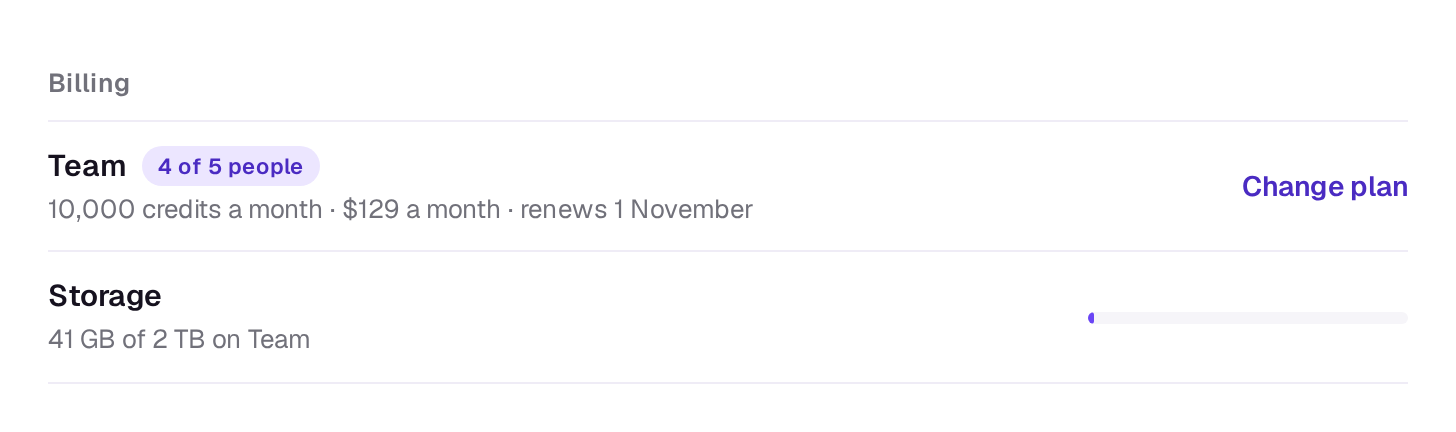
Owners see how much is used in Settings → Plan and billing, on the Storage row under Billing. Once it’s past four-fifths full, the row says so and offers Get more room, which opens the plans. Owners are also emailed and notified once the Library passes 90%, and again when it’s full, at most once a month each.
What counts
Every file in the Library counts at its original size: uploads, shots you generate, and the copy of each MP4 you export, which goes into the Library too. A file counts from the moment its upload starts, so several big uploads at once can’t overrun the plan.
Single files can be up to 20 GB on any plan.
When it’s full
An upload or export that won’t fit stops before it starts and says There isn’t room in the Library for that. Delete a few files or change plan, then try again.
Once the Library is full, new takes and tools stop too, before any credits are spent, and say Your Library is full. Delete a few files or change plan, then try again. Both come with See plans.
If you move to a smaller plan while you hold more than it allows, nothing is deleted: your files stay, and uploads and new takes wait until you’re back under the limit.
- Deleting a file frees its space straight away. See What you can do with a file.
- A bigger plan gives more room at once. See Change or cancel your plan.
A real person in Melbourne will write back, usually within one business day.