Upload your own footage
Add videos, images and audio to your Library to edit and generate with.
Your Library holds everything in the workspace: what you upload, what you generate and what you export. Everyone in the workspace sees the same Library.
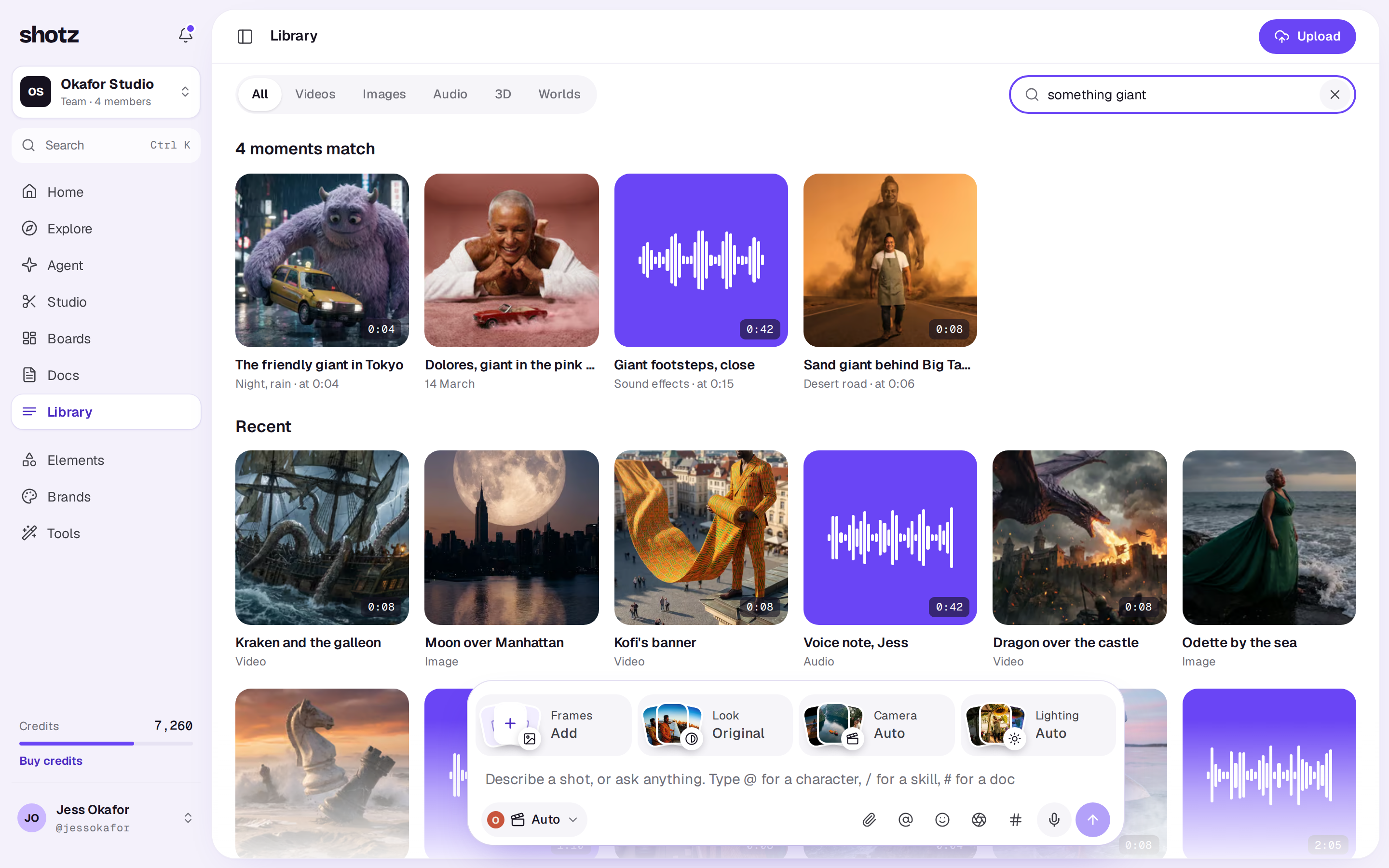
Upload
- Open Library.
- Choose Upload and pick your files, or drag them anywhere onto the page.
- Each file shows as a tile with its progress while it goes up. Once it’s up, the tile shimmers while Shotz checks it and gets it ready.
While the Library is empty, Upload moves from the top of the page to the middle of it, beside Generate a shot.
On a phone, open Library from the tab bar and tap the violet Upload button at the top right.
If you’re in one of your Library folders, what you upload goes into it. See What you can do with a file.
Files go straight from your browser to the workspace’s storage, so keep the tab open until they’ve finished. If the connection drops, the upload picks up where it stopped; if it can’t, the tile says The upload stopped. Check your connection and try again. Press Try again on the tile to send the same file again, or Remove to clear it. Try again only shows while this tab still has the file, so if you’ve reloaded the page, pick the file again.
What you can upload
- Video, images and audio. Anything else is turned away with a note saying so. SVG files aren’t taken: export them as a PNG first.
- Up to 25 uploads at once. If you’re over that, let some finish first.
- Up to 300 uploads a day, counted across all your workspaces (an export counts too). Deleting a file doesn’t give one back, and past the limit Shotz says That’s a lot of uploads for one day. Try again tomorrow.
- Up to 20 GB a file. For anything bigger, trim it or export a smaller copy first.
- As much as your plan’s storage allows. See Library storage.
You need to be an owner or editor in the workspace to upload. People who can only comment don’t see Upload.
After it uploads
Videos are made ready to edit, which can take a minute or two for a big file. You can find out more in While a file is processing.
If your workspace reads Library fields from file names, an upload named like ABC-123_front.jpg arrives with its SKU and angle already filled in.
A real person in Melbourne will write back, usually within one business day.