Language and dark mode
Choose the language Shotz speaks to you in, and switch between light and dark.
Both change at once.
Language
Open Settings → Language: on a computer, click your name at the bottom of the sidebar and choose Settings; on a phone, tap your picture at the top left, then Settings. Choose Change next to Language and pick one from the list, or search for it. Automatic follows your browser and region.

Signed in, your choice is saved to your account, so Shotz uses it on every device you sign in on. On the website, the same picker is at the bottom of every page.
Some parts of the app are still only in English while they’re being translated.
Light and dark
On a computer, click your name at the bottom of the sidebar and pick one next to Theme. On a phone, tap your picture at the top left, then Appearance:
- Light
- Dark
- Match device: follows your phone or computer’s own setting.
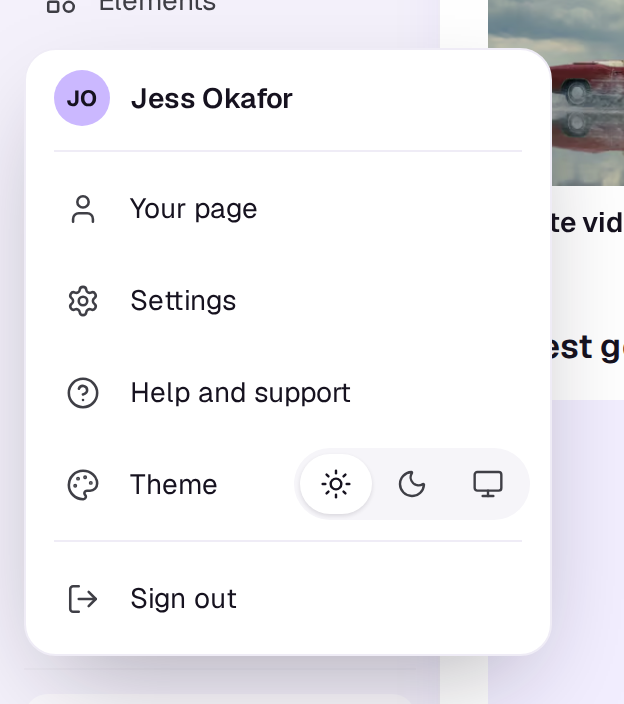
You can also type “dark” or “light” in search (⌘K).
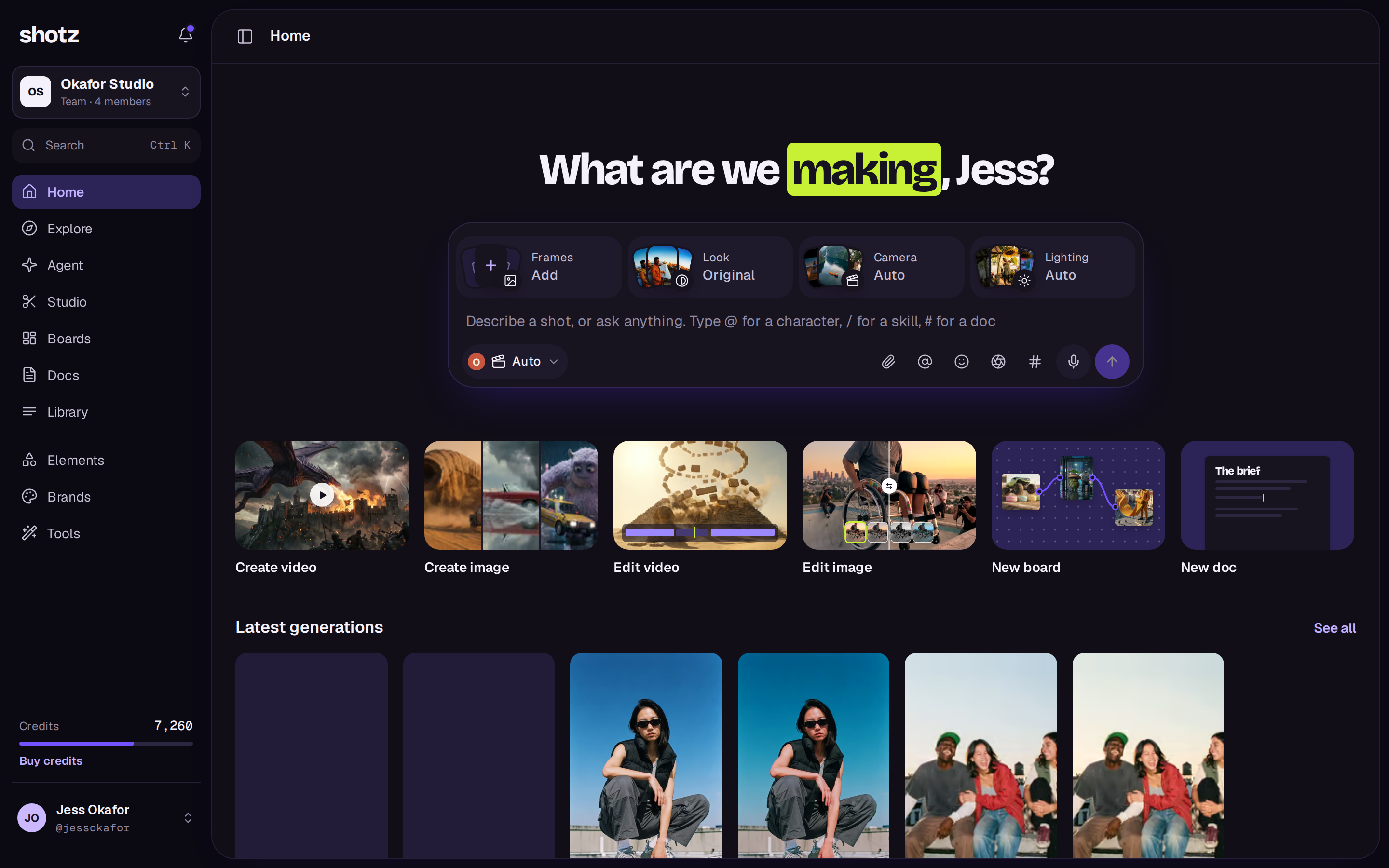
Dark covers the app and the editor; the website stays light. The choice is kept in this browser, so set it on each device you use.
A real person in Melbourne will write back, usually within one business day.