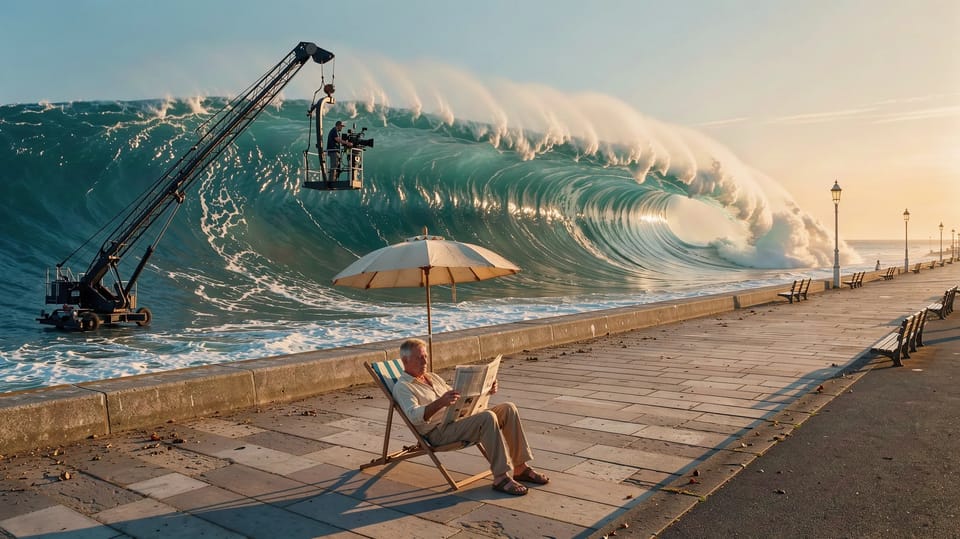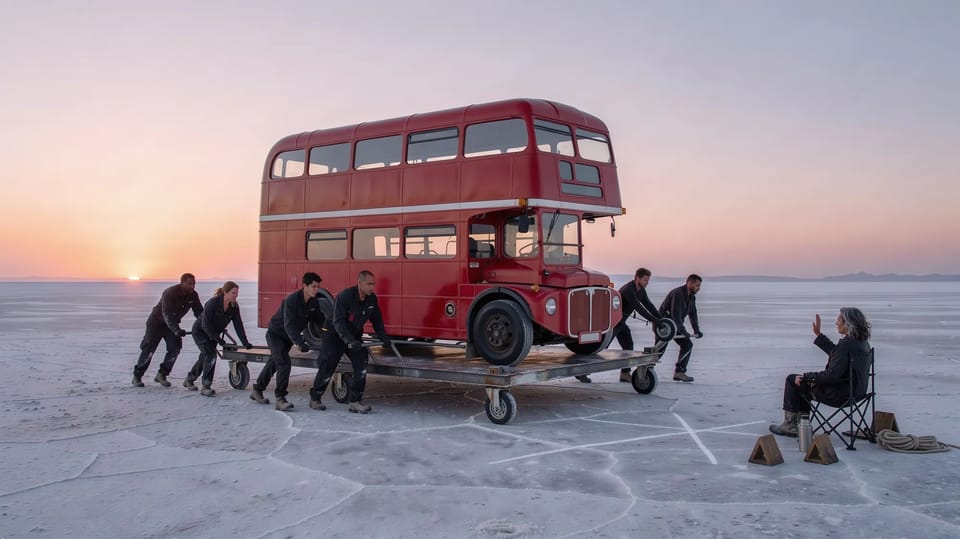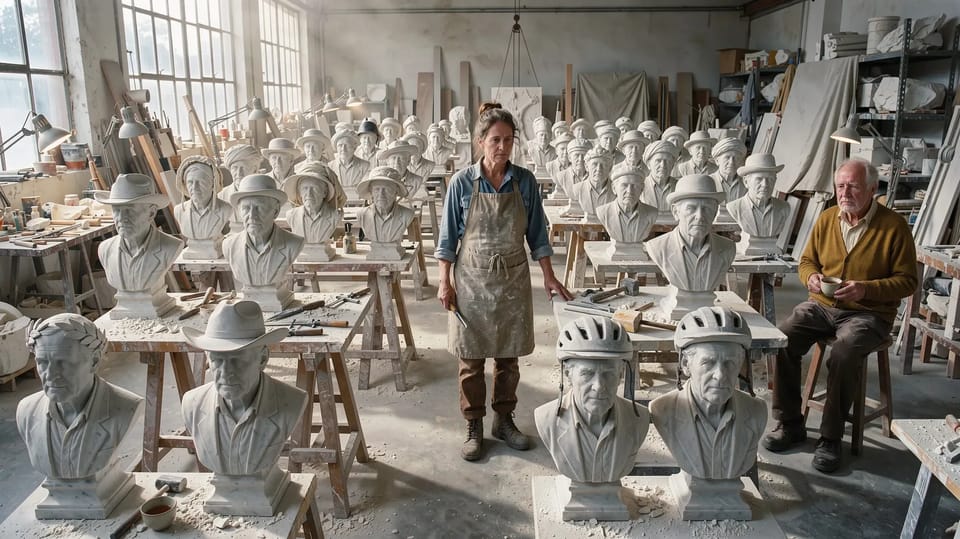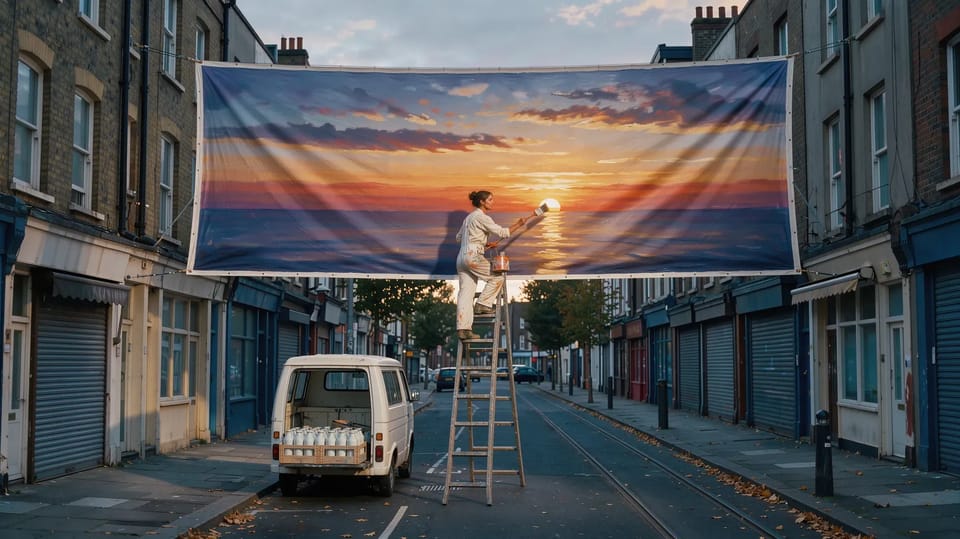
A model can only make what you tell it. Everything you leave out, it fills in with the most likely answer, and the most likely answer is the shot everyone else gets.
The fix isn’t a longer prompt. It’s the right things, in the right order. Here are both of these made from the same idea.
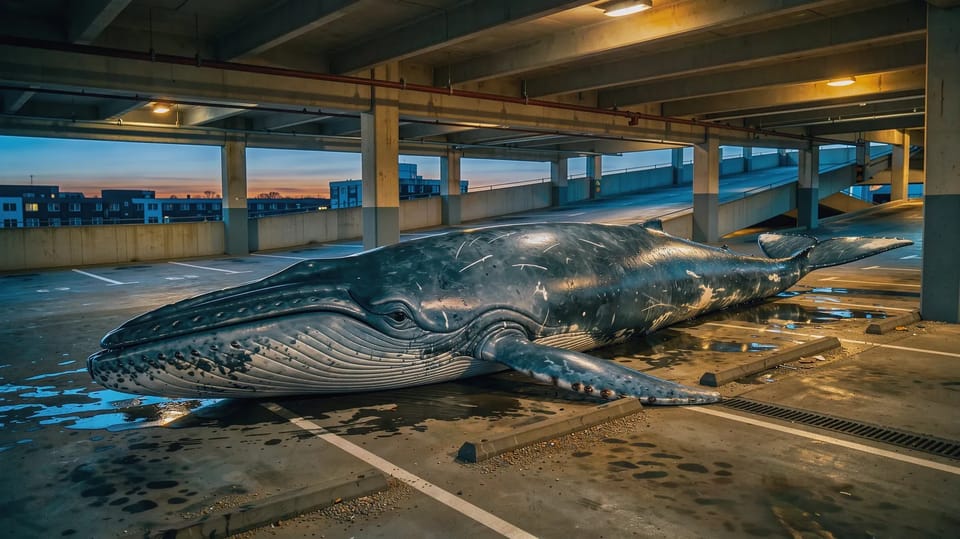
A whale in a car park.
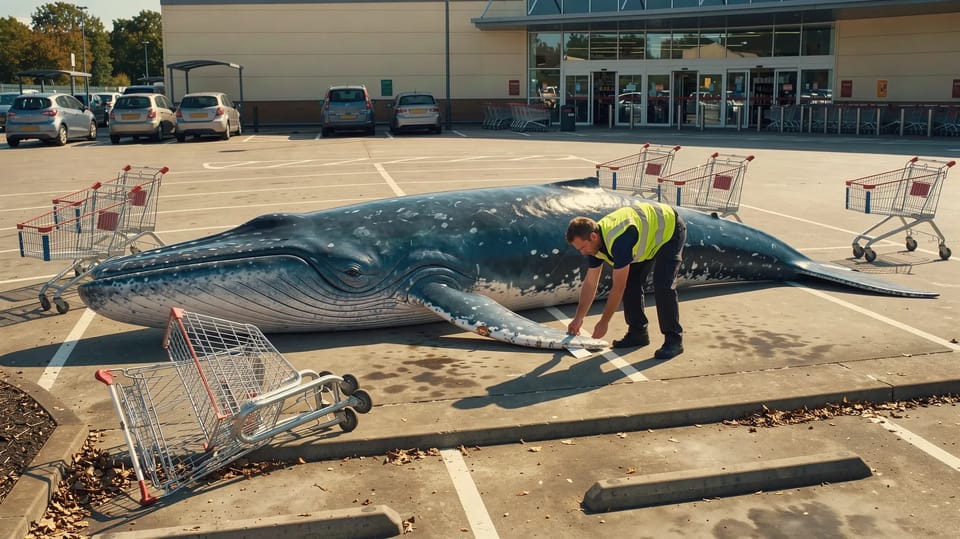
A blue whale lying across three parking spaces in a sunny supermarket car park, shopping trolleys around it, a parking attendant in a hi-vis vest tucking a ticket under its fin.
Who and where
Start with the subject and the place, then the time of day and the light. Not “a man” but “a parking attendant in a hi-vis vest”. Not “a city” but “a sunny supermarket car park”. Specific nouns do more work than adjectives.
One idea, at its size
Give each shot one idea and commit to it. If something is huge, put something small and ordinary next to it so the eye can measure it: the trolleys, the attendant. Two ideas in one shot usually means two half-made ones.
What happens
For video, say the one thing that happens, as an action: “he tears off the ticket and tucks it under the fin.” A clip is one beat. Veo 3.1 makes up to 8 seconds, Kling 3.0 up to 15 and Seedance 2.5 up to 30, and even the long ones work best as one continuous action. Cut the story together afterwards.
The camera
Name one move: a slow push in, tracking alongside, an orbit, a low wide angle. In Create, the Camera tile adds a style for you (cinematic, drone, handheld and more), and typing / brings up skills such as /crash-zoom and /dolly-zoom, which add the words for that move.
The sound
Sound is on by default for video. Describe it the way you describe the picture: the groan that rattles every car window, rain on a tin roof. If someone speaks, put the line in quotes and say who says it.
Write the shot you can see, not the adjectives you hope for.
Your own words are never cut. The Look, Camera and Lighting tiles add their own words after yours, and if a model’s prompt runs out of room, those are what gets dropped. If a prompt feels thin, Improve prompt rewrites it with concrete detail, keeps your @ tags, and Undo brings your words back.
Open Create, write the five parts for something you’ve been picturing, and make two takes. Then change one part at a time.