The first shot of a character is easy. The fifth is where it goes wrong: the nose changes, the jacket loses its patches, and suddenly it’s someone else. Models don’t remember. Every take starts from what you send it.
So send the same things every time. That’s all a character sheet is.
Take the right photos
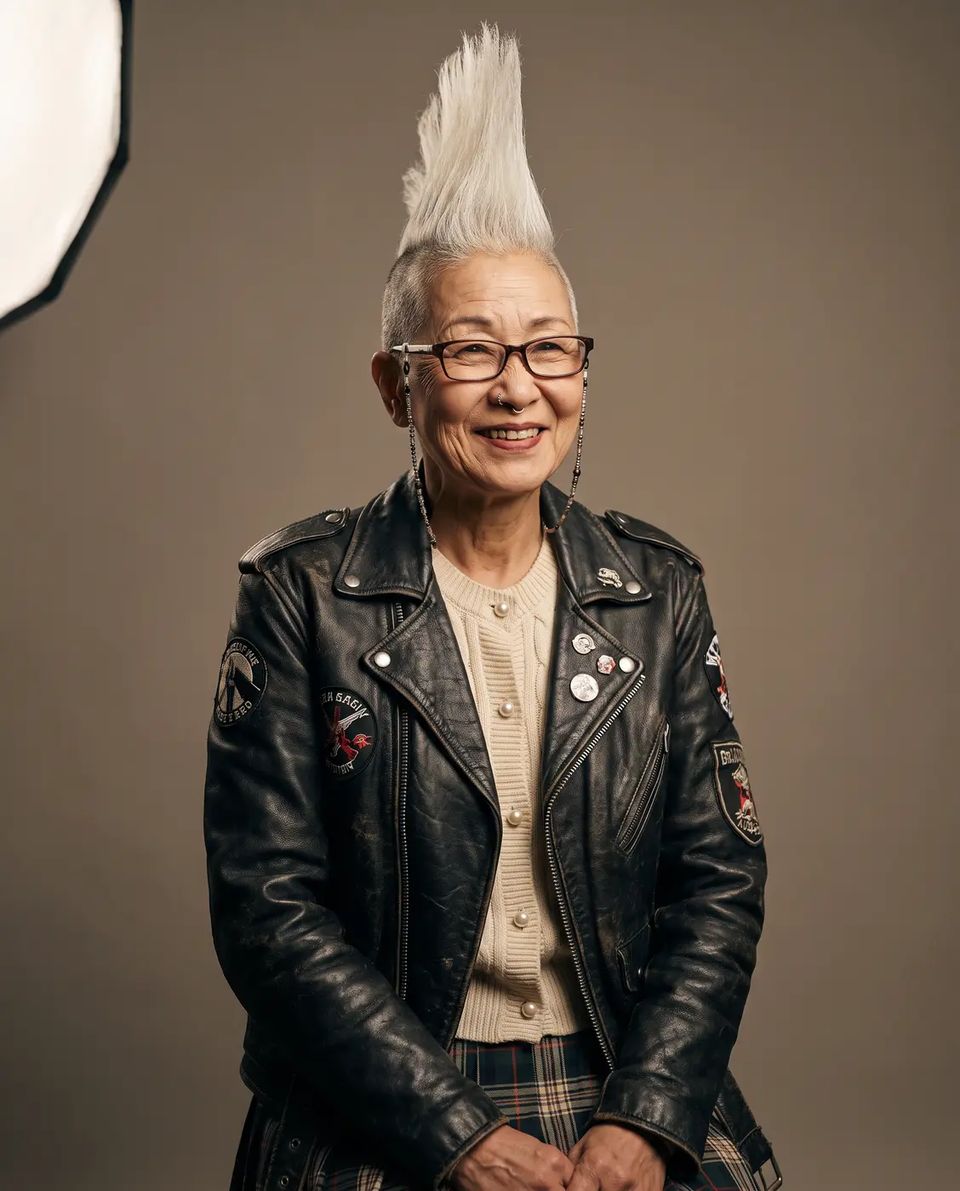
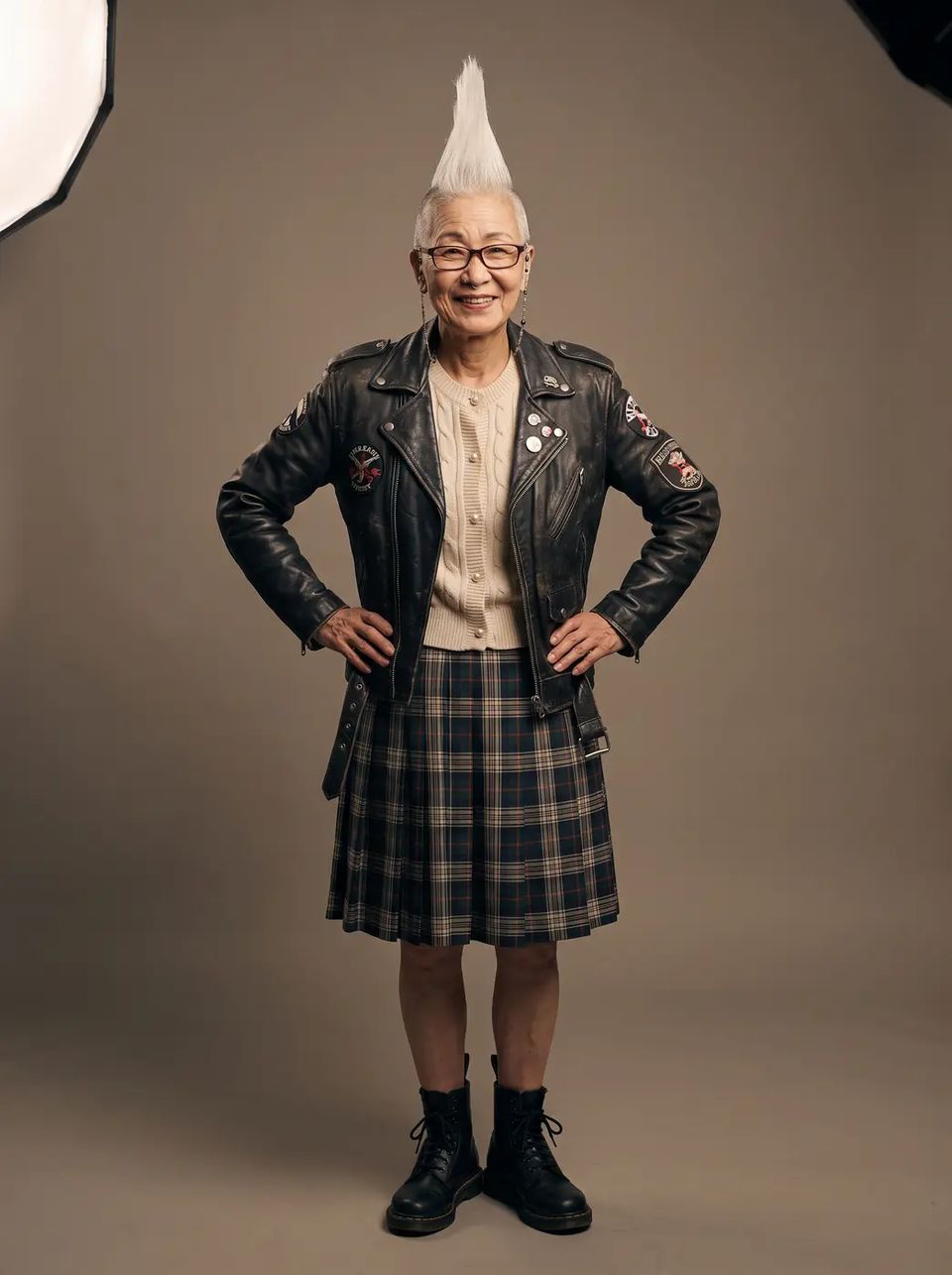
Two photos carry most of it: a portrait from the waist up and a full body, both on a plain background in soft, even light, both wearing the outfit you want to keep. Add a three-quarter view and a profile if the character will turn. A busy background teaches the model the background.
Make it an Element
In Elements, make a character from those photos in your Library: up to twelve, with a name and a description. Now @sachiko in any prompt sends her photos to the model as references.
When an element has two or more photos, Shotz lays them out as one reference sheet, up to six photos to a sheet, so the character takes one of the model’s reference slots instead of all of them. The prompt tells the model it’s a sheet of one person and to match the likeness, not the layout. Kling 3.0 works differently: it takes each character apart, a front view and up to three more angles, and Shotz sends them that way.
Keep the words the same
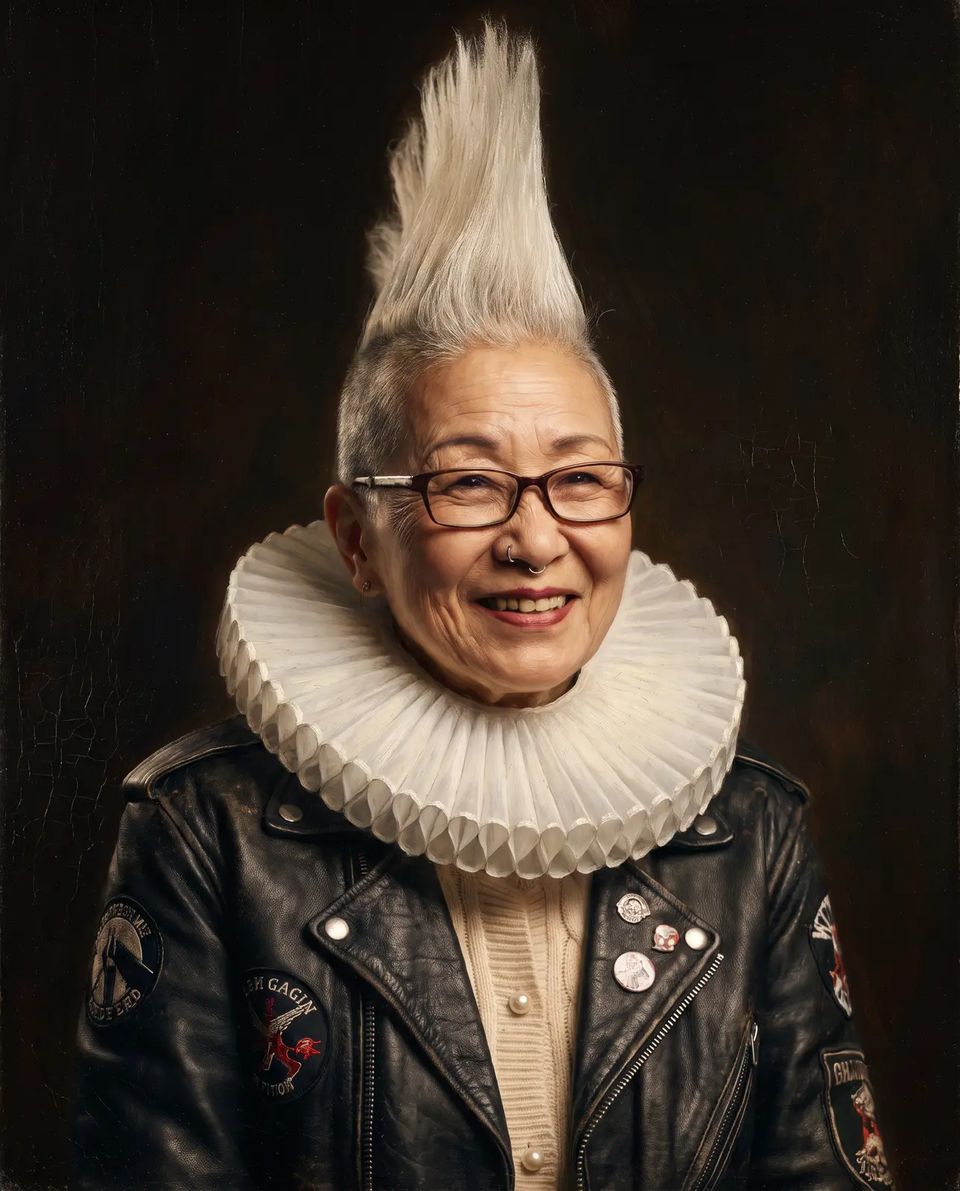
The photos hold the face. The words hold everything else. Write one description of the character, the way you’d brief a casting director, and paste it at the start of every prompt, word for word. Then say what’s different this time: a spacesuit, a ruff collar, 1987.
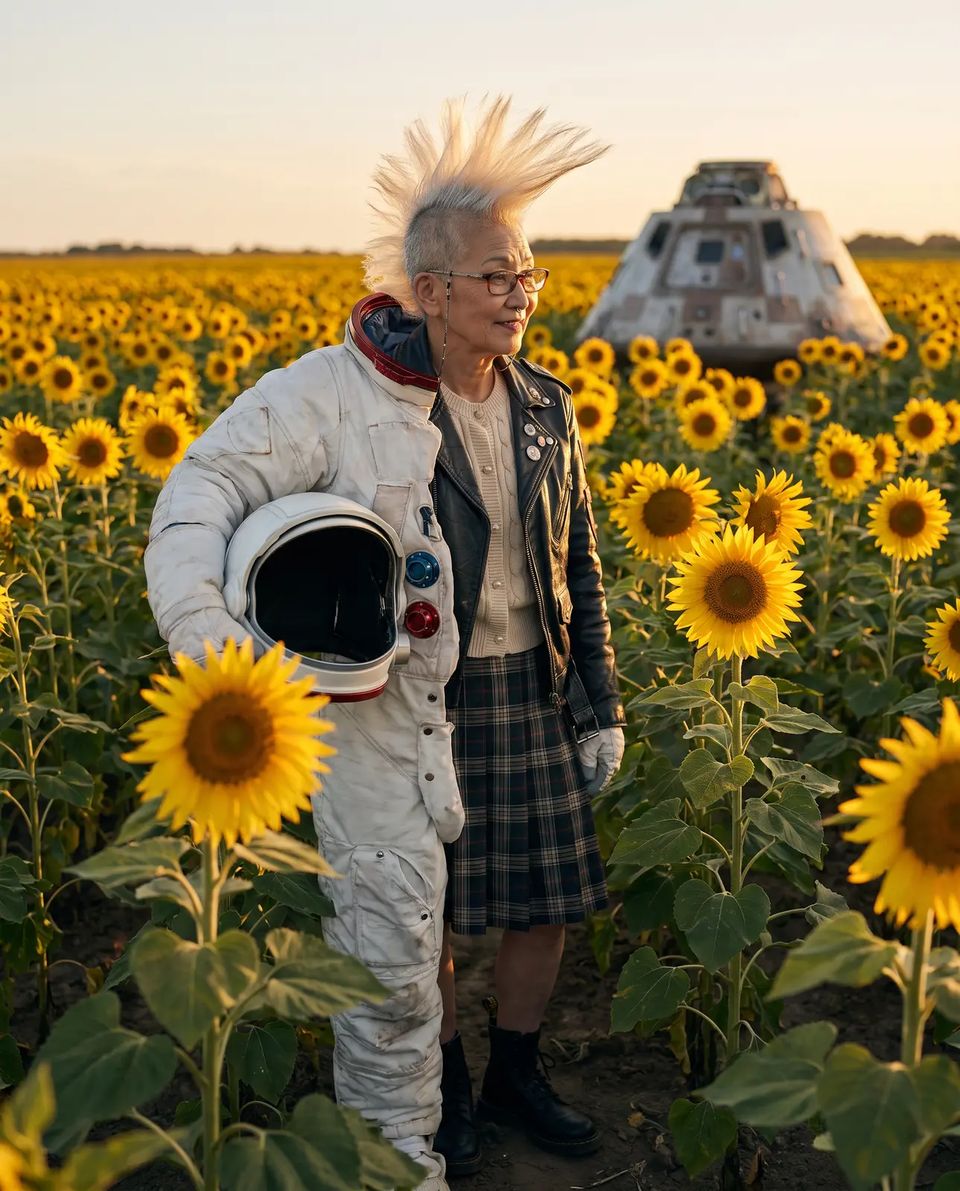
Sachiko, a Japanese woman in her mid 60s who is a punk grandmother: tall white liberty-spike mohawk, laugh lines, small silver nose ring, reading glasses on a beaded chain, a black studded leather biker jacket covered in patches worn over a cream knitted cardigan with pearl buttons, plaid skirt, Dr. Martens boots. In a white spacesuit with the helmet off under one arm, standing in an endless sunflower field at sunset, her white mohawk blowing in the wind, a small lander module behind her.
Check it before you spend on video
A look sheet makes eight stills of them on Nano Banana Pro from their photos: three close-ups (front, three-quarter, profile), standing and walking, two studio shots and one out in the world. If the face drifts in a still, it will drift in a clip. Swap in better photos first.
One more thing worth knowing: on most video models a start frame wins over references, and the references aren’t sent. Kling 3.0 is the exception: it keeps a character’s photos alongside the start frame.
Pick one character, take the two photos, and make them an Element. Then make five shots with the same words and see who comes back.