A static ad is a picture with a few words on it, and you need a lot of them: several headlines to test, in a square, in the 4:5 that fills more of a feed, and in a tall one for stories. Making each by hand takes an afternoon. Changing one word in all of them takes another.
The Ad creator in Tools makes them as designs in Studio, so the words are never baked into the picture.
The product and the brief
Pick the product: one of your Elements, which keeps it the same in every ad, or a photo from your Library. Then say what it is, who it’s for and any offer. If you’ve saved an ad in Inspiration whose feel you like, add it. It sets the mood and is never copied.
A template, or a mix
There are five templates. Product hero puts the product big with a headline and a button. Big headline is a bold line on your colour with the product under it. Offer puts a deal in a badge, Review has a customer’s words and five stars, and Benefits gives three reasons to buy. Or choose Mix them, and the ads get different ones. Make 2, 4 or 6 ads, each saying it a different way.
The copy, free
Writing the ads costs nothing. Each gets a headline of two to seven words from its own angle, an optional line under it and a button of one to three words, in sentence case with no exclamation marks. Every word is yours to change before anything is made, and Write them again starts over.
A review is written from your brief in an ordinary customer’s words and says only what the brief supports. Swap in a real customer’s words before it runs.
Sizes and pictures
Pick any of Square (1:1), Feed (4:5) and Story (9:16), and the model for the pictures: Nano Banana Pro, GPT Image or Seedream. Each picture is made for its size, with your product as a reference and no words in it at all. Each one is charged as it’s made, and anything that doesn’t work gives its credits back.
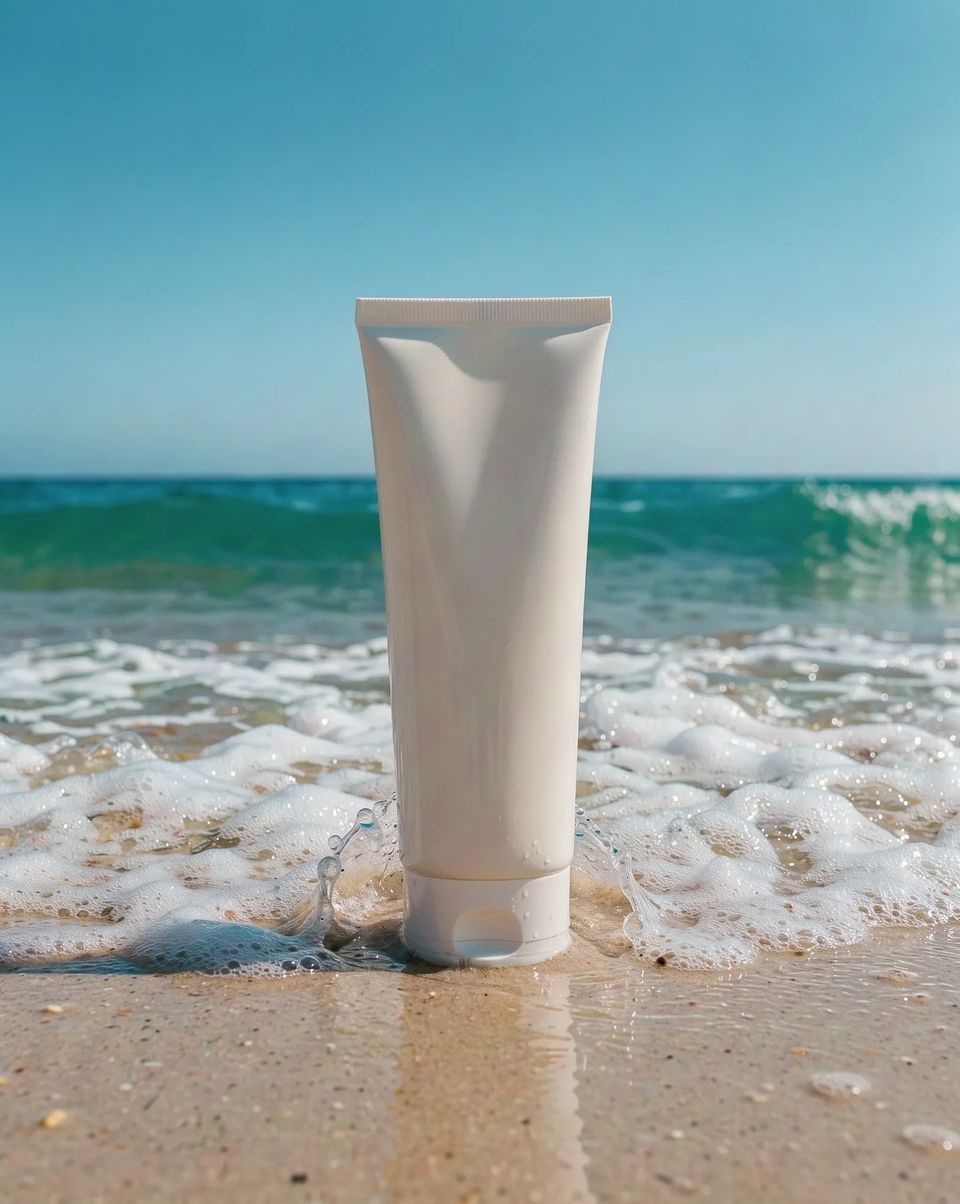
A plain white unlabelled sunscreen tube standing upright on wet sand at the edge of a turquoise sea, a wave just breaking around its base, bright midday sun, clear empty sky across the top half of the frame.
What you get
A design for each ad in each size, in Studio. The headline, the button, the badge and the rest are layers of their own, in your brand’s colours and type if you have a brand on Pro or Team. Open one to change a word, move the button or swap the picture, then export it as a PNG or JPEG. You can close the tab while they’re made; one notification says when they’re ready.
Open Tools, start the Ad creator with one product photo, and make four ads in all three sizes.