A UGC ad is a person talking to their phone about something they like. It works because it doesn’t look like an ad, and it’s slow to make because it needs a person, a product, a script and an edit, then three versions of the first line to see which one stops the scroll.
The UGC ad tool in Shotz makes all of that from one photo of your product. It takes five steps.
The product and the brief
Pick your product as an Element (it keeps it the same in every shot) or any photo from your Library, and say what it is and who it’s for. If you’ve saved an ad in Inspiration that you like the feel of, add it, and the script is written in its spirit without copying it.
The creator
Pick a character from your Elements, or let Shotz cast one. If your character has a voice, it speaks in it. Choose 15, 30 or 45 seconds, and 1, 3 or 5 hooks to test.
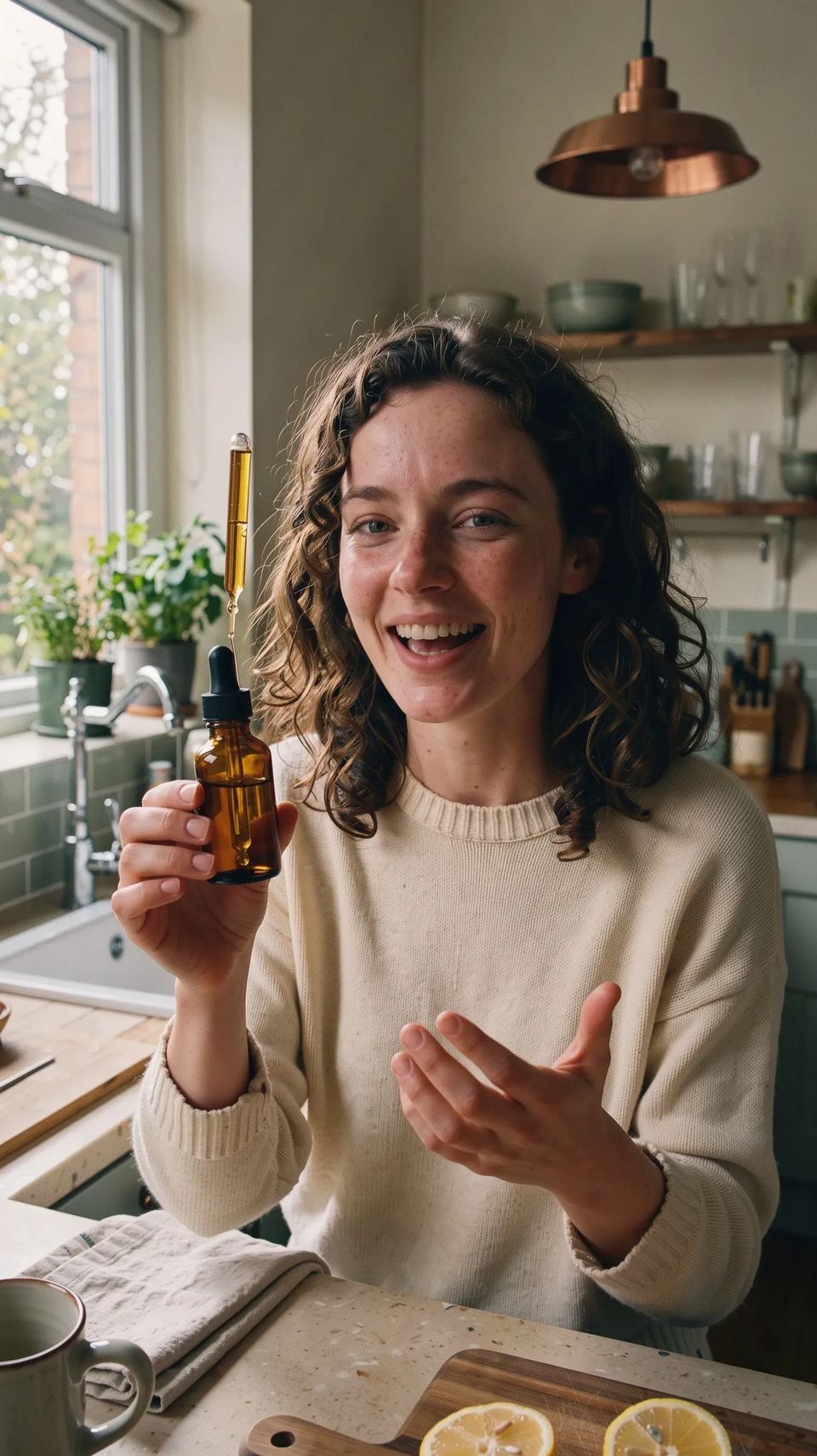
A woman in her twenties with curly dark hair and freckles in a bright kitchen in the morning, wearing a cream jumper, holding a small amber glass dropper bottle up beside her face and talking to camera with a grin, natural daylight, vertical handheld framing, casual and unposed.
The script, free
Writing the script costs nothing. You get each hook from a different angle (a confession, a surprising result, the viewer’s problem, a question), then a body that goes problem, what it is, one concrete detail, and what to do next. It won’t make medical or money promises or name competitors. Every line is yours to change, and you choose which lines get a product shot cut over them.
Look, sound and make
Pick the voice, the talking-avatar model (Kling Avatar 2.0 or OmniHuman 1.5), word-by-word captions, the shape (9:16, 4:5 or 1:1), music, and an “AI-generated” label, which most ad platforms ask for.
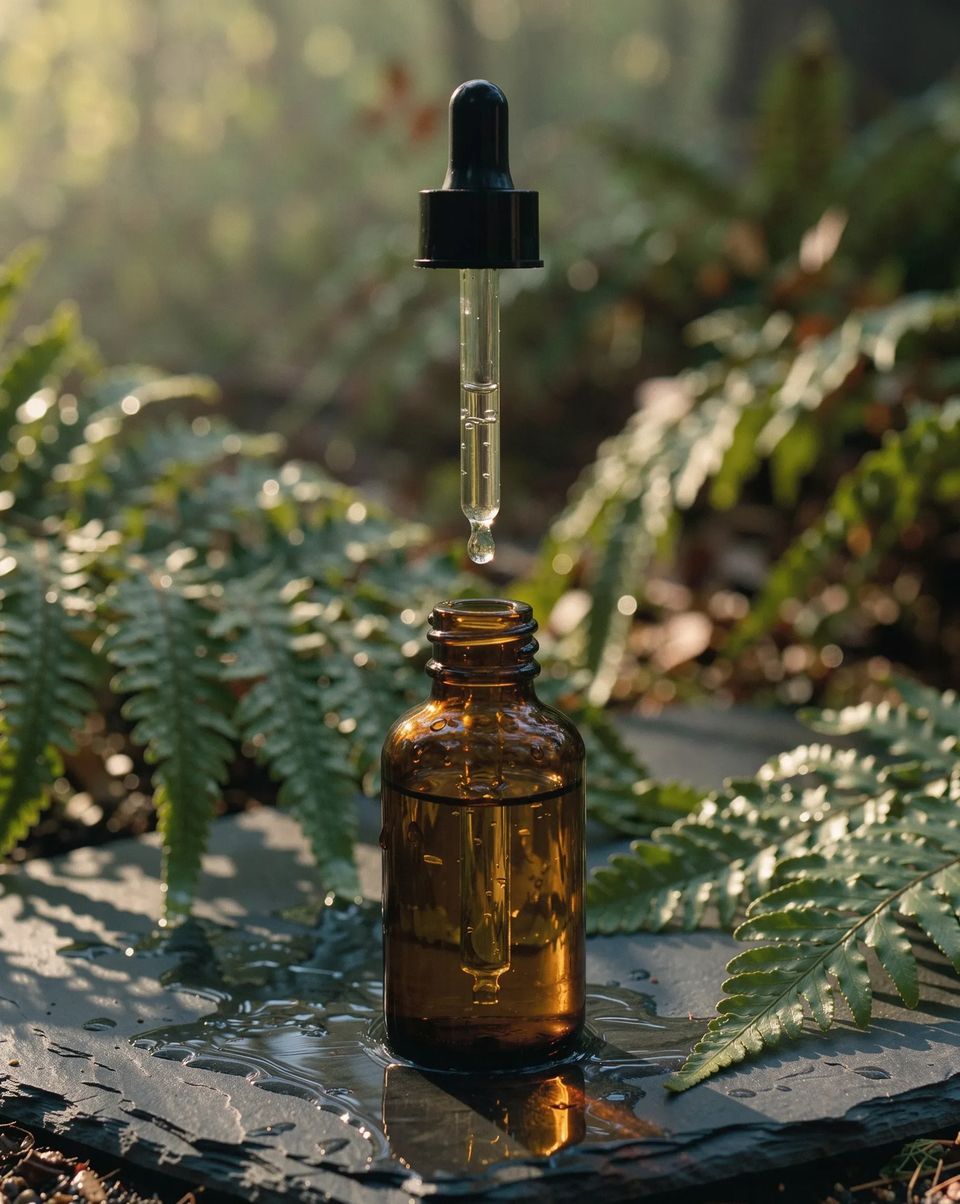
An amber glass dropper bottle with a plain unlabelled cap standing on a wet slate stone among fern leaves, a single drop falling from the dropper, soft morning light, shallow depth of field.
Then Make. Each part is charged as it’s made, and anything that doesn’t work gives its credits back. It takes ten minutes or so; you can close the tab and you’ll get one notification when it’s done. The prompts behind it ask for no phone on screen and no logo or label your product doesn’t have.
What you get
One edit for each hook: the hook, then the body, product shots over their lines, captions timed to each word, and music under it. Each is an ordinary timeline, so any line, shot or caption can change before you export.
Open Tools, start a UGC ad with one product photo, and test three hooks.