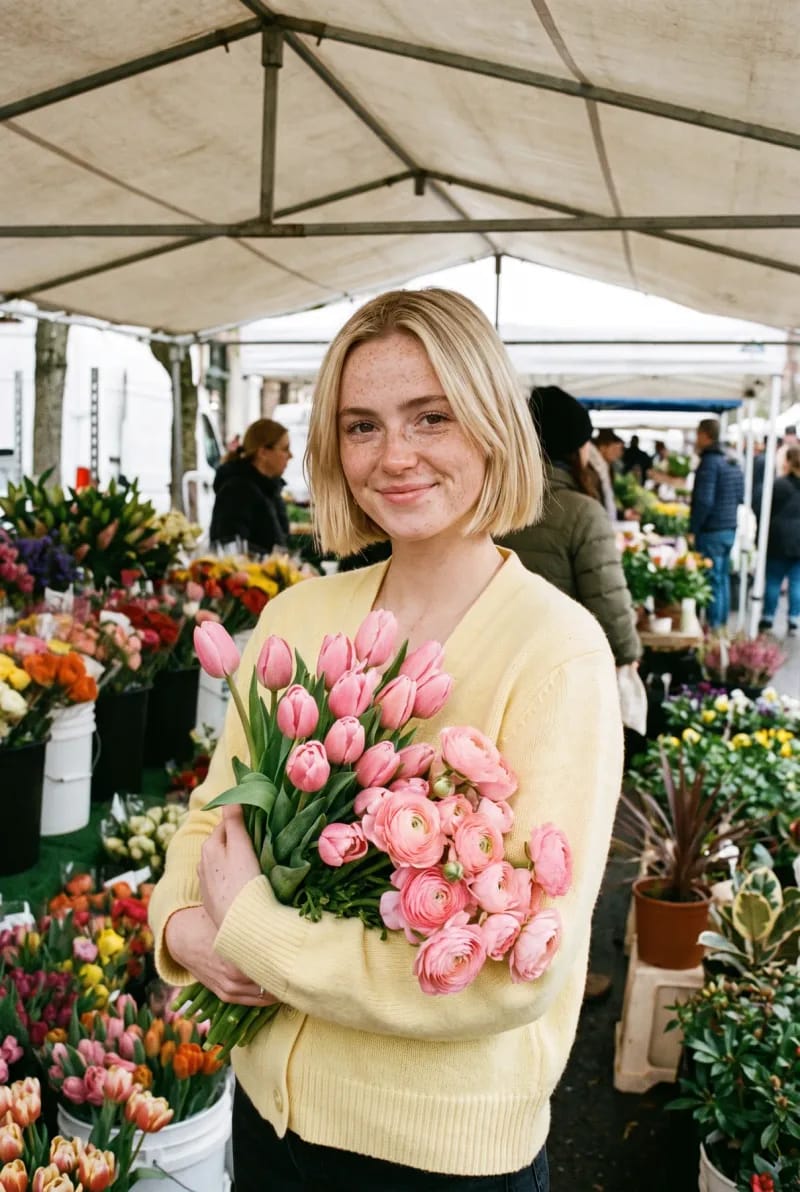
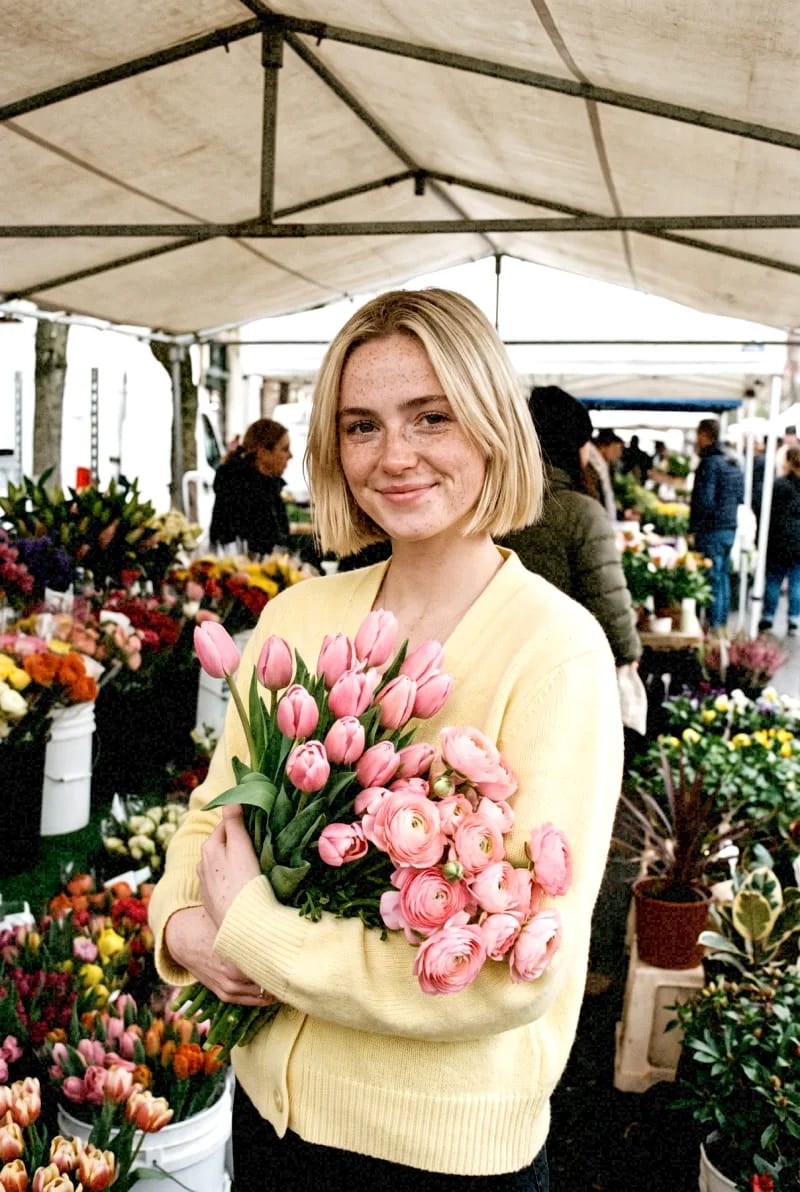
Film
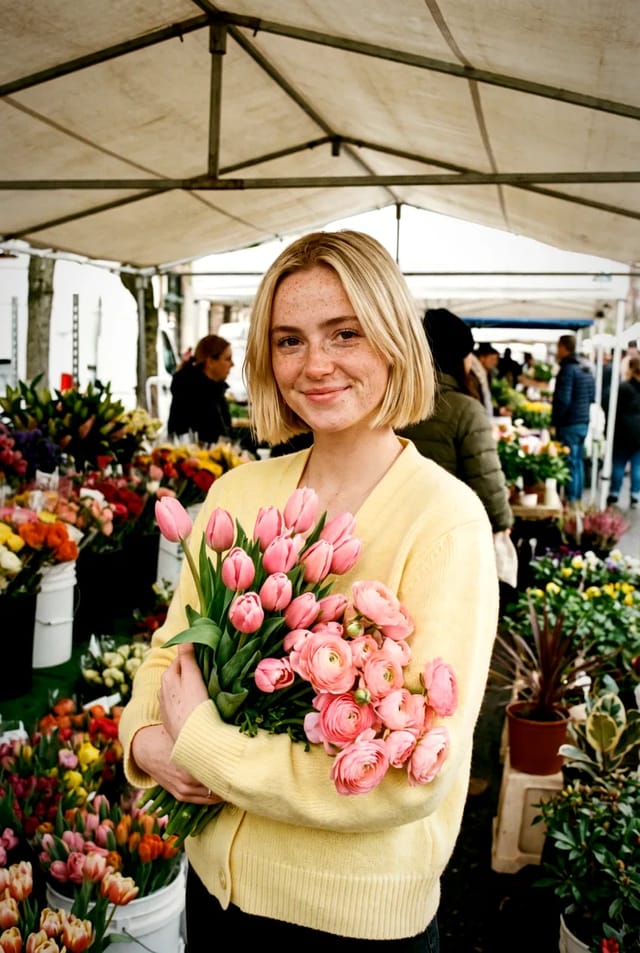
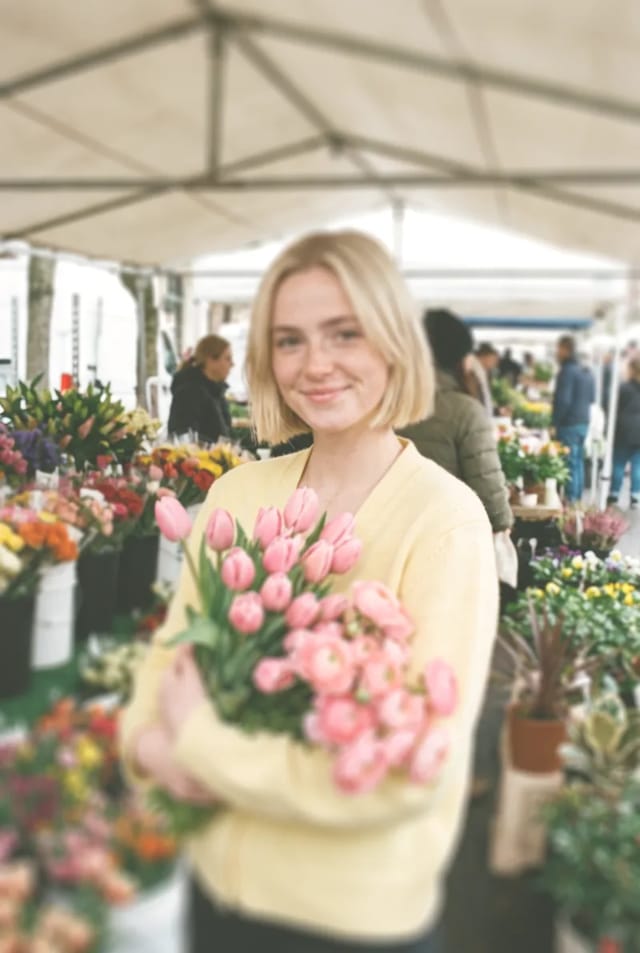
Gentle contrast, softer colour and a fine grain, like 35mm. Best for stories, music videos and anything that should feel shot.
Three ways to use it.
In the editor, pick clips on the timeline, open Looks and choose Film. Set its strength, and it's burned into the export.
In Studio, open a photo and choose Film under Looks. Sliders for light, colour and grain sit beside it.
In Create, pick Film under + and the model makes the shot in it from the start. Or ask the Agent for it.
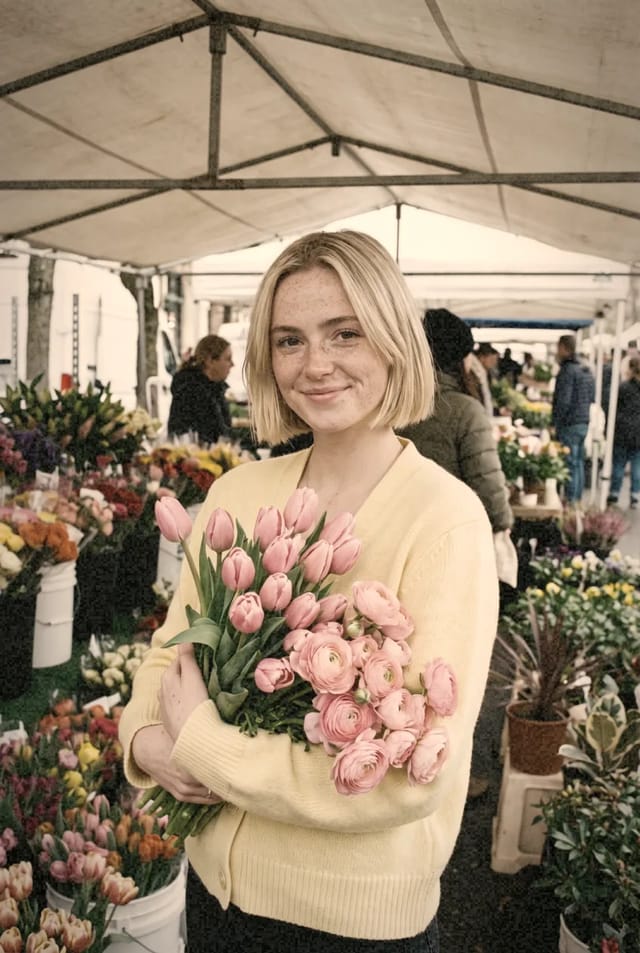
More looks.
All free. Try a few on one shot.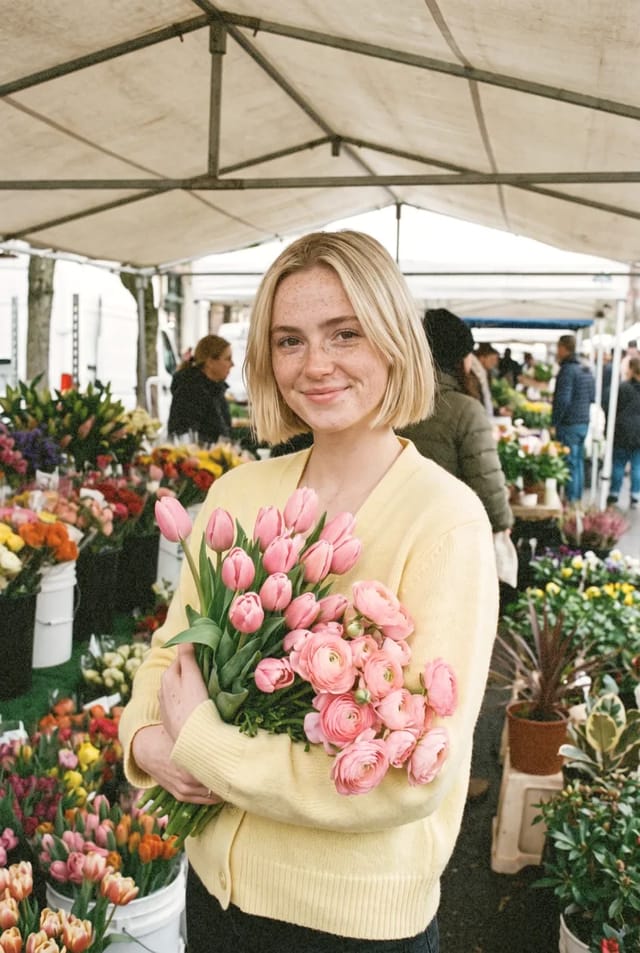
Questions.
Gentle contrast, softer colour and a fine grain, like 35mm.
Stories, music videos and anything that should feel shot. Try it at a lower strength first, then build it up.
Yes. Every look is free on every plan, in the editor, in Studio and in Create.
Yes. Pick any clips on the timeline and choose Film in Looks. It plays in the preview as you cut and is burned into the export.
Yes. In the editor and Studio a look is never baked into your file, so you can change it, turn it down or take it off any time.