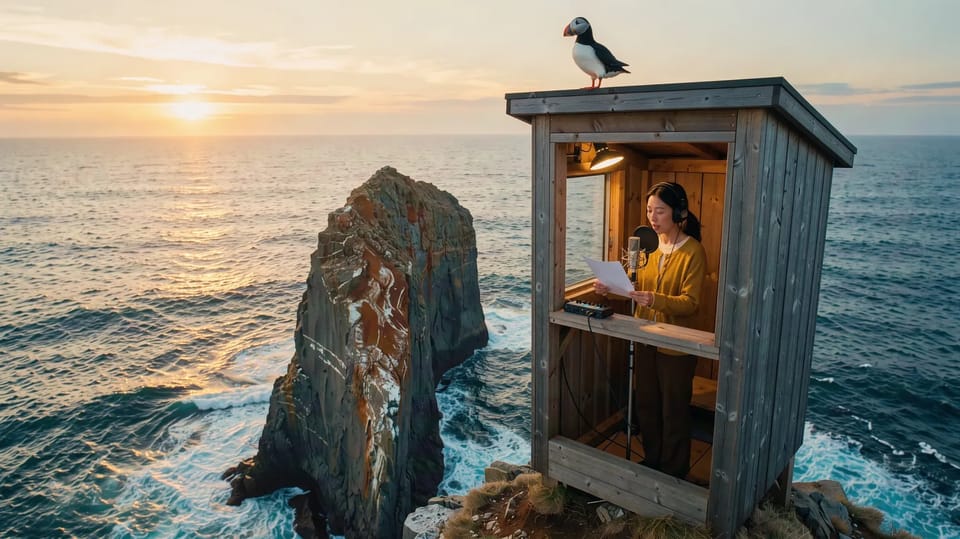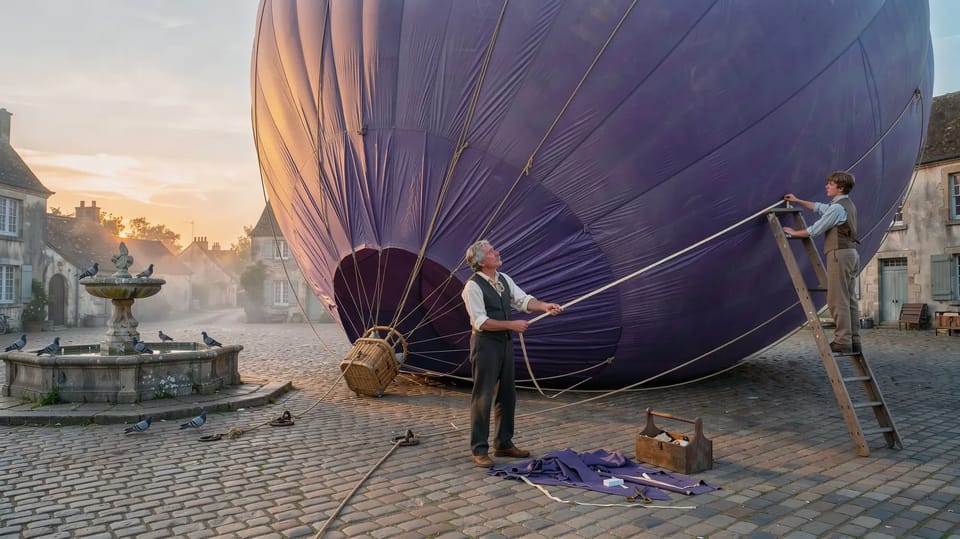
Veo 3.1 is Google’s video model, and it makes sound with the picture: voices, footsteps, weather, the room. With sound on, which is the default, everything in your prompt that makes a noise is something it will try to make.
That changes how you write. You’re not only describing a shot any more, you’re describing a scene you could hear with your eyes closed.
Put the line in quotes
Write what’s said in quotes and say who says it, right where it happens in the action: “He tears off the ticket, tucks it under the whale’s fin and says ‘Three spaces, mate.’” One short line lands far better than a speech. Veo’s clips are 4, 6 or 8 seconds, and a line has to fit inside one with room for a reaction.
Describe the sound
Then give it the sound of the place: thunder and rain on the windows, a lift chime, a kettle hiss, a distant crowd. Specific sounds come out better than “ambient audio”. If you’ll add your own music later, leave music out and switch the sound off for clips that should be silent.
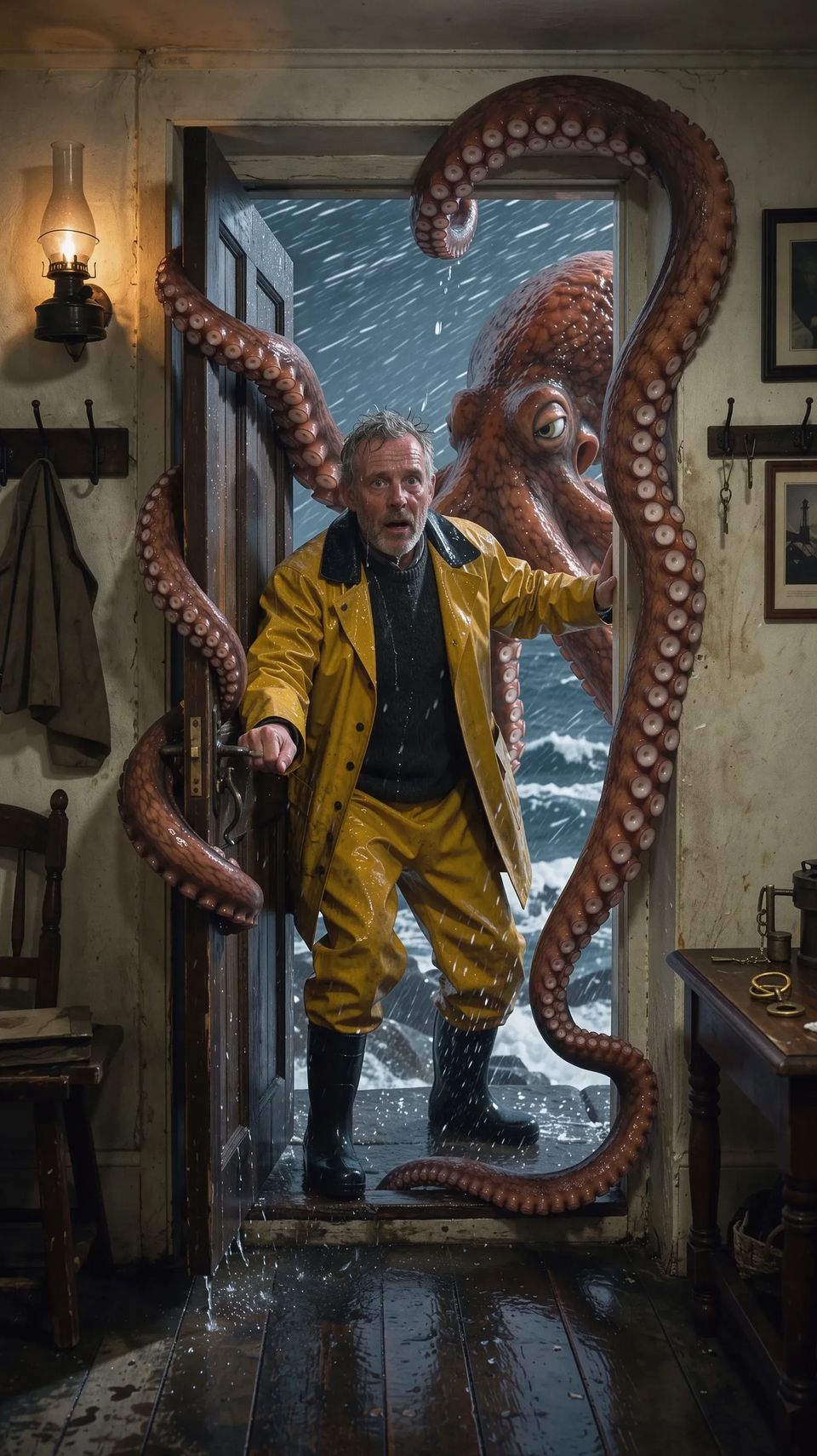
A lighthouse keeper in a yellow oilskin opening his front door at night in a howling storm to find a giant octopus filling the doorway, tentacles curling round the frame, rain lashing sideways, warm lamplight from the hallway behind him.
“A lighthouse keeper in a yellow oilskin opening his front door at night in a howling storm to find a giant octopus filling the doorway. He sighs and says ‘You’re letting the heat out.’ Thunder cracks, rain hammers, the octopus squelches past him inside; handheld close-up.”
One beat, one shape
Keep each clip to one beat: a setup, a line, a reaction. At 1080p every Veo clip is 8 seconds; at 720p you can pick 4, 6 or 8. From words alone it makes 16:9 or 9:16, so pick one of those.
Veo can start from a still of your own, and it takes up to three reference photos when there’s no start frame, so a character from Elements can come along. It doesn’t take an end frame.
When to pick something else
Several other models make sound too, including Seedance 2.5 and Kling 3.0. If lip sync is the whole shot, try the same prompt on Seedance 2.5 as well: it leads the blind-vote rankings for dialogue and lip sync that Auto reads. If you leave the model on Auto, it weighs those rankings for you.
Write one line for one character in one place, with the sound around it, and make it on Veo 3.1. Then cut three of them together.