
Crane up
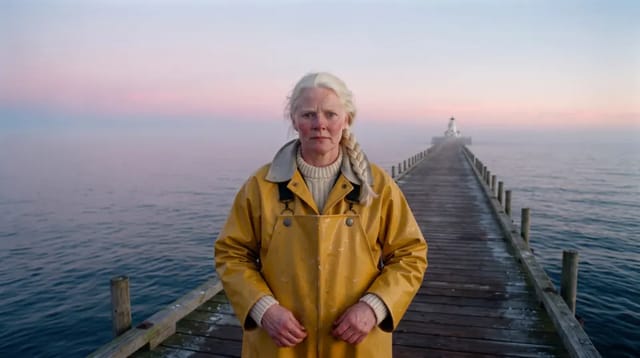
The camera rises up and away to show where we are. Best with endings and reveals.
How to use it.
A start frame from your footage or your Library, or just a prompt. One clear subject works best.
In Create, or ask the Agent for a crane up. Shotz adds the move to your prompt.
It lands on the timeline at the playhead, labelled as generated, ready to cut with your own footage.
More camera moves.
Same plan, same credits. Try a few on one shot.


Questions.
The camera rises up and away to show where we are.
It works best on Veo 3.1 and Wan 3.0. Pick one in Create, or try the same prompt on a few and keep the best take.
It costs what the model costs for the take, with nothing added for the skill. Pro is $33 a month for any model and any skill.
Endings and reveals. It makes 4 to 6 seconds of video, so plan the cut around it.
Yes. Write what you want in the shot as usual and Crane up adds its move to it.
It lands in Create and your Library. Add it to an edit and cut it with your own footage, captions and music, then export up to 4K with no watermark.