Shotz vs Midjourney
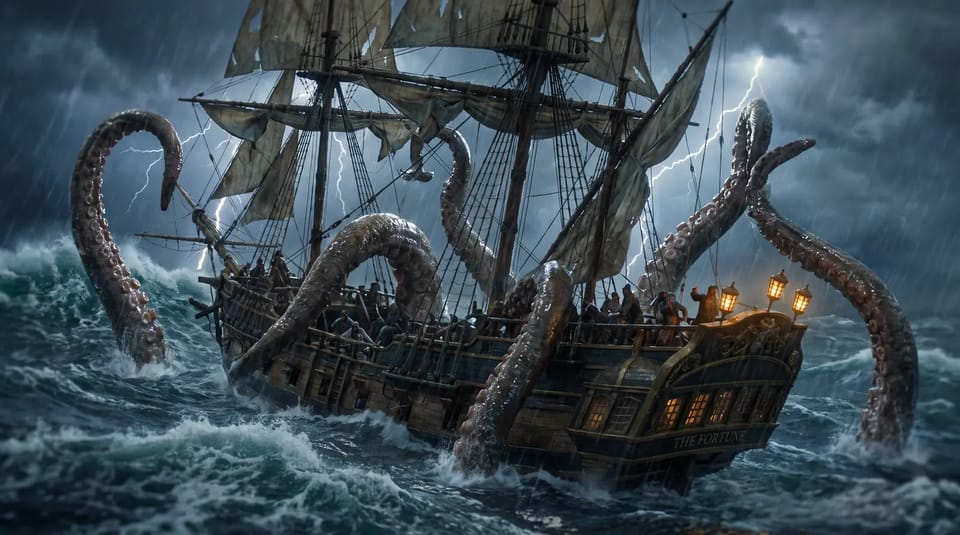
Midjourney makes beautiful pictures. Shotz makes them part of a video.
At a glance.
What each one is built to do. Plenty of people use both.
Why people pick Shotz.

Midjourney is built around the picture. Shotz is built around the edit the picture goes into.
Veo, Kling, Seedance, Nano Banana and more, on one set of credits.

Shotz watches what you filmed, so a generated shot sits next to real ones.
Where Midjourney is great.
Images with a painterly, cinematic finish that's hard to get anywhere else.
Point it at a reference and keep the same style across a whole set.
A huge, busy gallery of what other people are making, to learn from.
Questions.
If you mostly make images, keep Midjourney. If you need a finished video, Shotz makes the edit and the shots around it.
Yes. Upload an image and use it as the start frame for a shot on Veo, Kling, Seedance or another video model.
Yes. The editor is free with no watermark. Starter is from $12 a month with 1,000 credits for generating, Pro from $33 with 3,000, and Team from $129 for up to five people.